Challenges

Five fronts where container gates, vessel traffic, heavy cranes, cargo flows and waterside perimeters outrun human eyes, and why CCTV watched by people alone cannot keep up with a live terminal.
A · Gate & access control

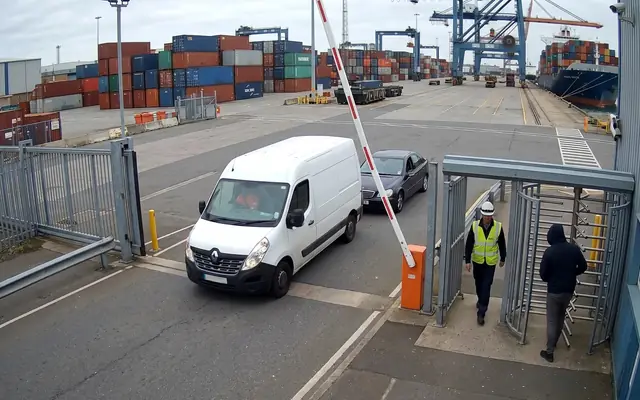
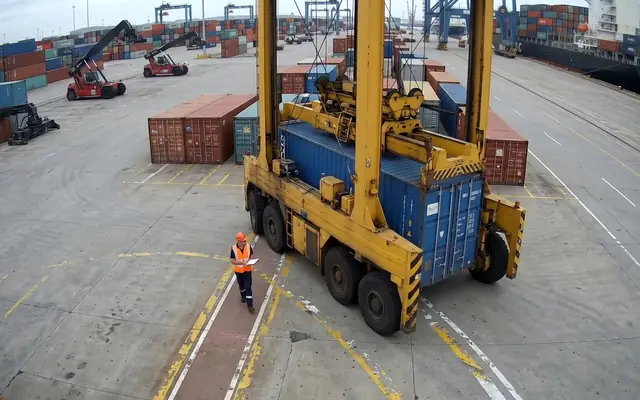
ANPRA crowded site entrance at shift start with many workers entering at once

Unread container & truck plates

SealAn emergency exit doorway blocked by stacked boxes and debris

Broken or missing container seals

Tail-gateA single worker isolated in a remote corner of a large industrial site at dusk

Tail-gating & piggyback entry

B · Vessels & berths

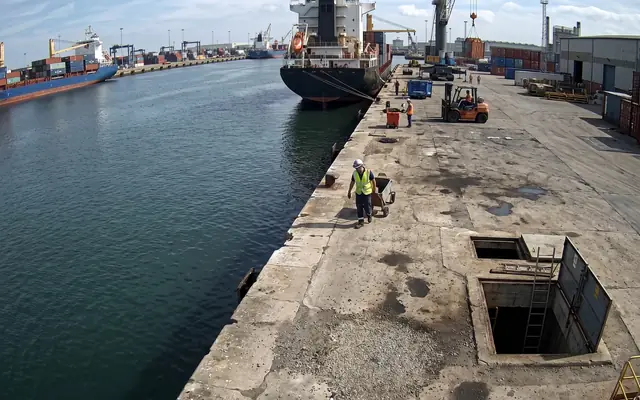
MooringA worker walking directly underneath a heavy load suspended from a tower crane

Loose mooring lines & drift

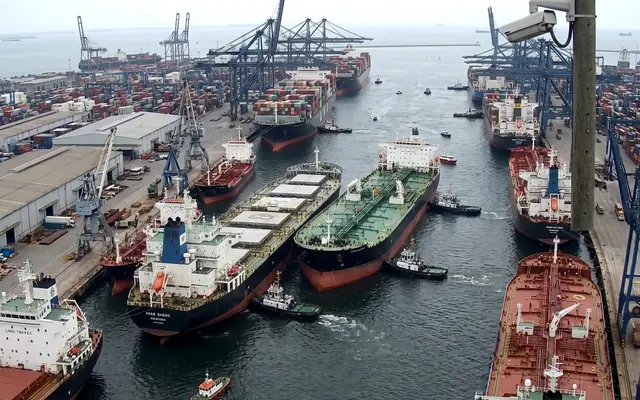
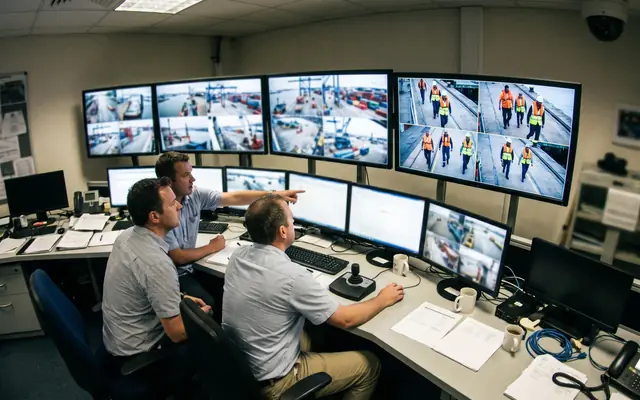
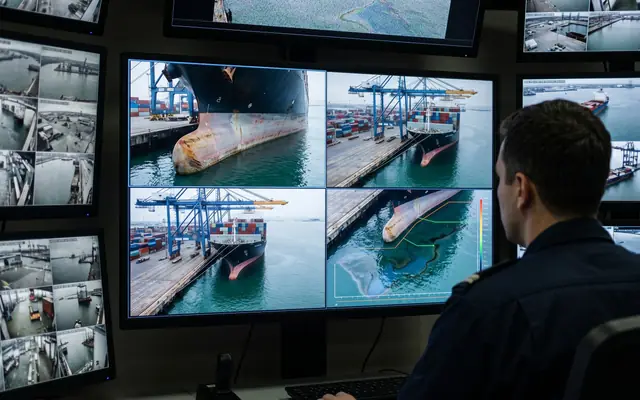
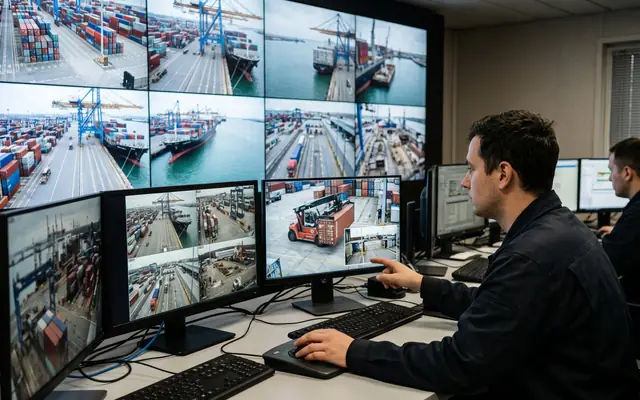
BerthA control room with one operator facing a large wall of many CCTV feeds

Berth occupancy & queue conflicts

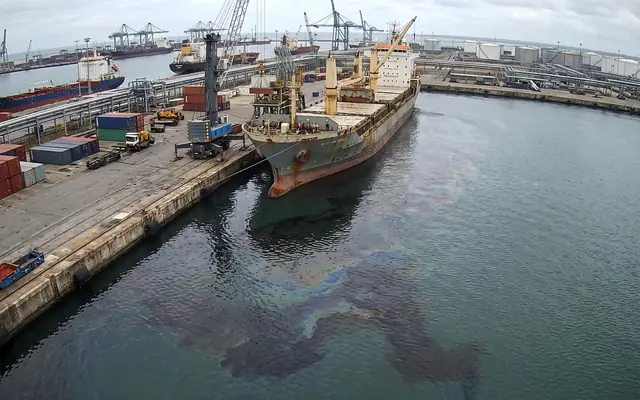
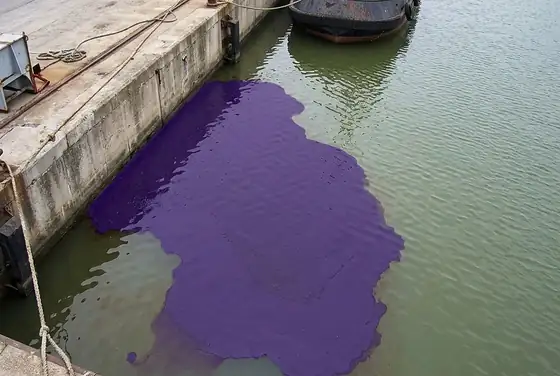
PollutionAn oil and water spill spreading across a concrete factory floor

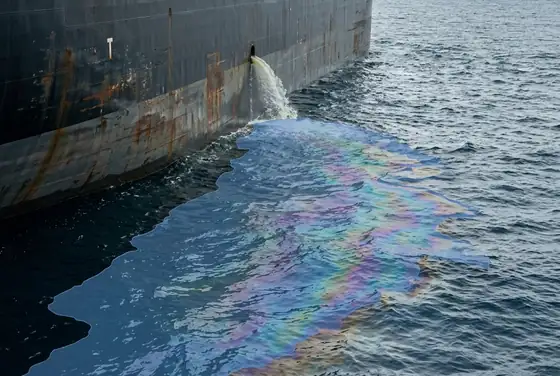
Oil sheen & discharge at berth

C · Cranes, plant & proximity

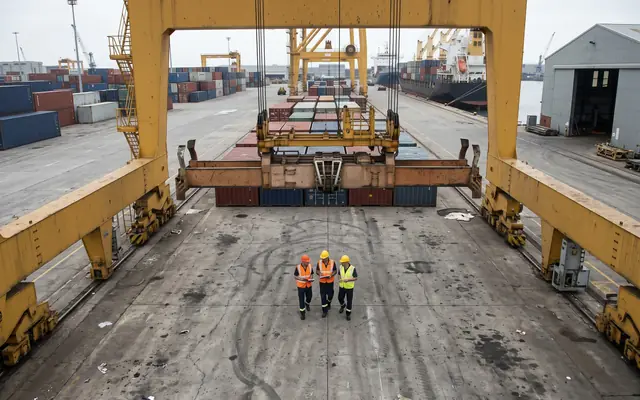
CraneA worker walking directly underneath a heavy load suspended from a tower crane

Workers under suspended spreader

ProximityA forklift operating close to a pedestrian worker inside a warehouse

Straddle-carrier & pedestrian proximity

ExcavationAn open excavation trench with no barrier or fence around it

Unbarriered quay edges & cellars

D · Cargo, theft & security

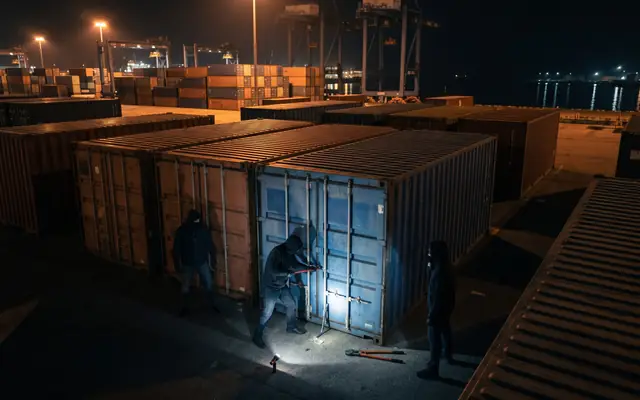
TheftA large industrial site at night with only a few pools of light and large dark areas

Night-time container break-ins

LoiteringA single worker isolated in a remote corner of a large industrial site at dusk

Loitering in stack & yard zones

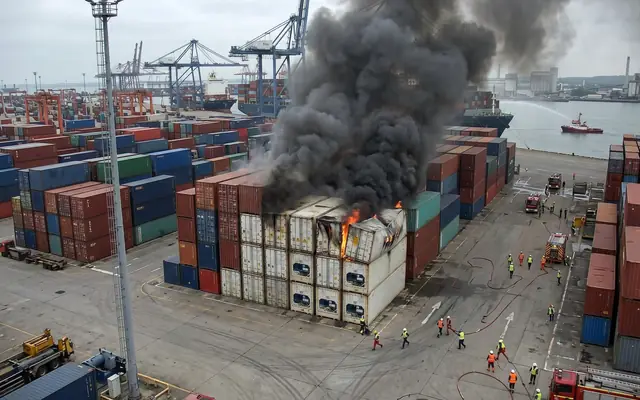
FireEarly-stage fire with small flames and smoke beginning among stacked site materials

Container & reefer fire/smoke

E · Hull, compliance & reporting

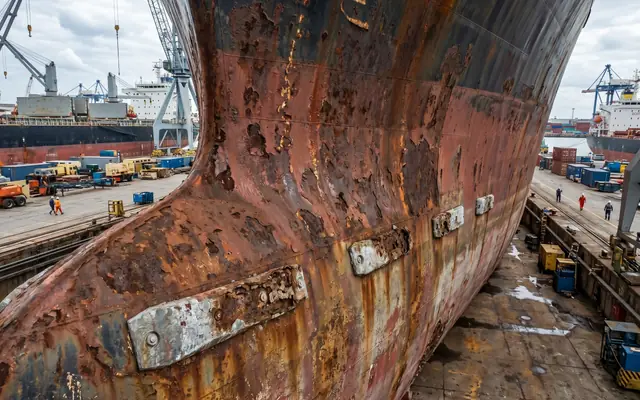
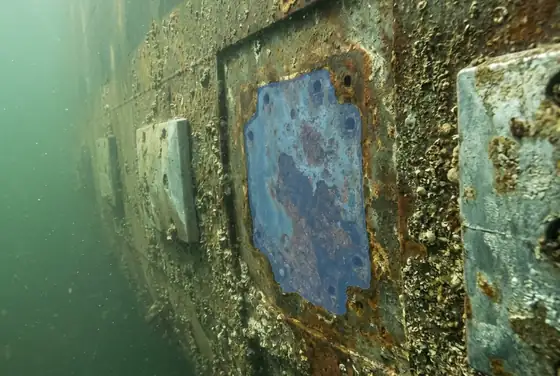
CorrosionA worker at the unprotected edge of a high concrete slab without a fall-arrest harness

Hull rust, pitting & anode wear

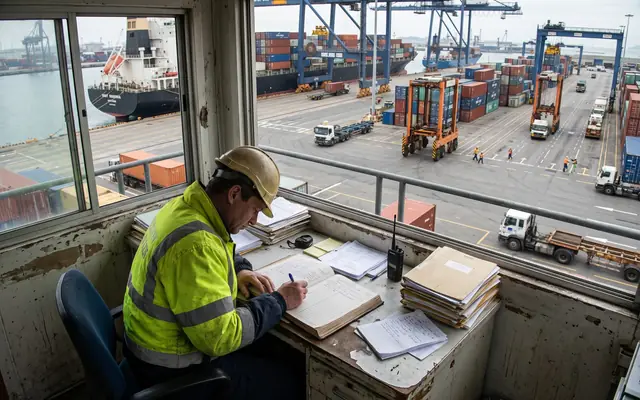
ReportingA cluttered site safety office desk covered with paper incident forms and clipboards

Manual, after-the-fact incident logs

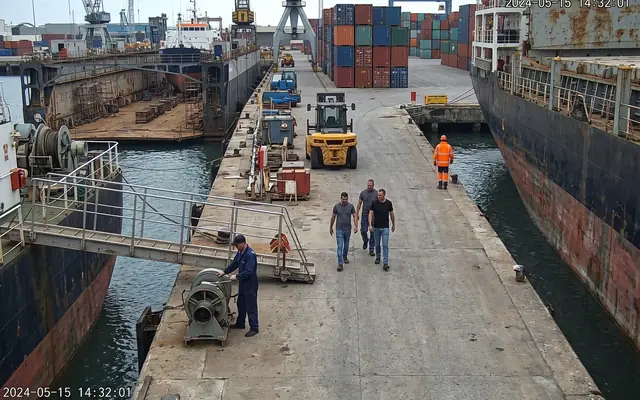
PPEA bare-headed worker without a hard hat among colleagues wearing helmets on a construction site

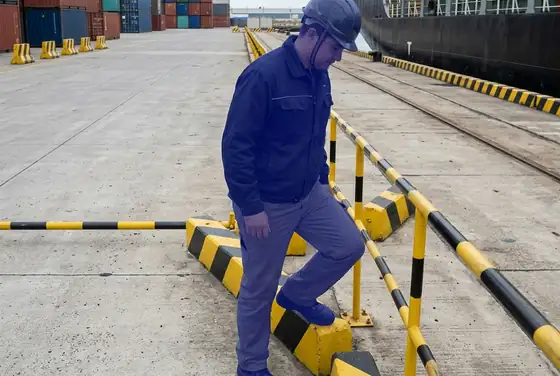
Life-jacket & hi-vis non-compliance

Solutions

Every gap above has an answer below: how the AI sees a marine terminal, what it flags at the gate, on the quay and over the water, how alerts become action, the analytics you get, and a deployment that fits your existing cameras and Saudi data rules.
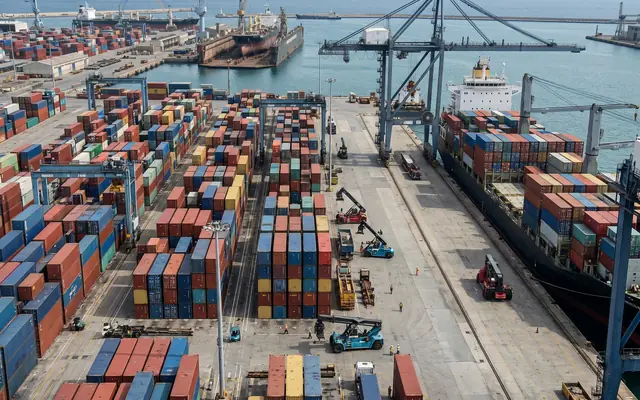
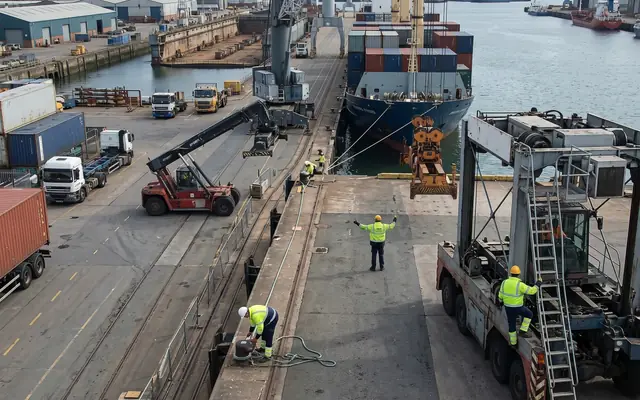
A · How the AI sees

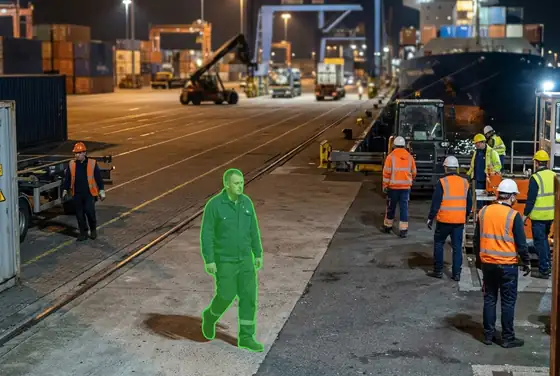
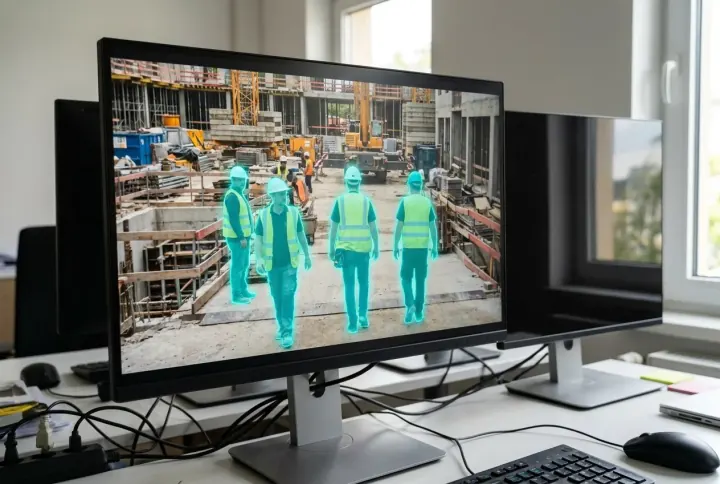
DetectionWorkers on a site each outlined by a translucent segmentation mask following their silhouette

Pixel-precise segmentation, not boxes

PoseA worker with a glowing skeletal pose-estimation overlay analysing their posture

Pose & action recognition on the quay

PPEA worker with the helmet and vest highlighted by separate segmentation masks for PPE detection

Per-person life-jacket & hi-vis check

B · What it detects

A worker with helmet and vest highlighted by AI segmentation masks, unsafe-act detection

Gate, Quay & Yard Events

Flame and smoke highlighted by an AI segmentation mask, unsafe-condition detection

Hull, Berth & Pollution Conditions

Outdoor workers under harsh midday sun with a heat-stress overlay, poor-practice and compliance monitoring

ISPS, PPE & Restricted-Zone Compliance

C · From alert to action

Real-timeA site supervisor receiving a safety alert on a smartphone

Tiered alerts to gate, tower & ops room

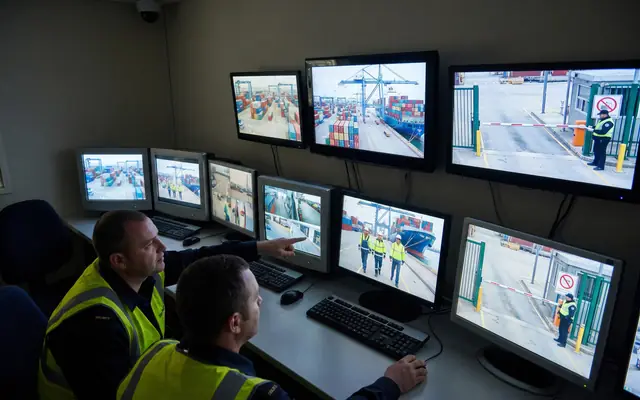
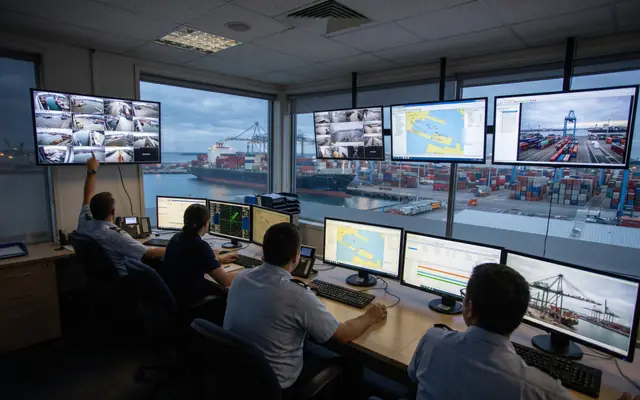
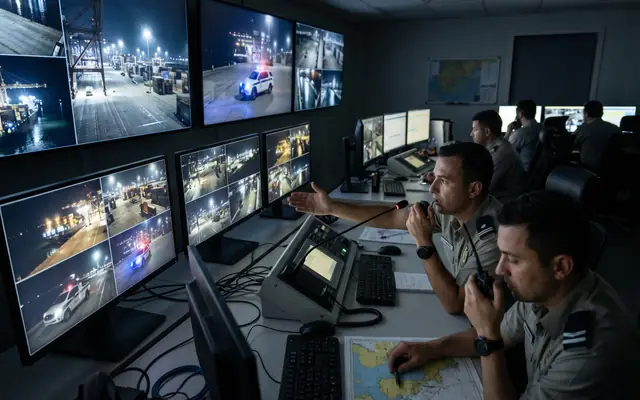
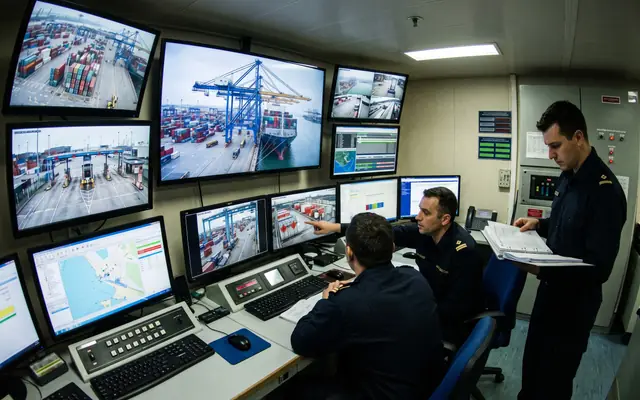
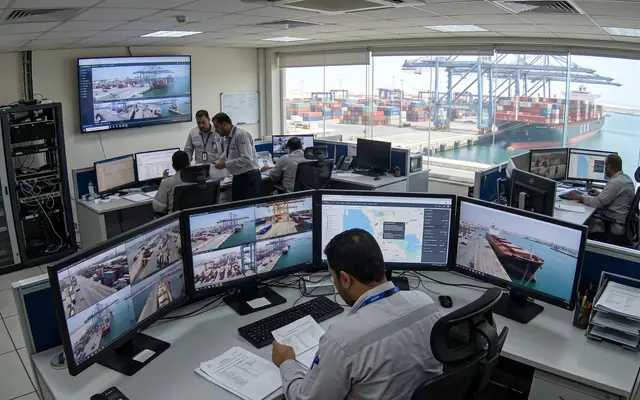
VerifiedOperators in a modern safety control room verifying alerts on a video wall

Operator-verified on the video wall

InterveneA public-address speaker on a pole at a site for live talk-down warnings

PA talk-down & patrol dispatch

D · See it & prove it

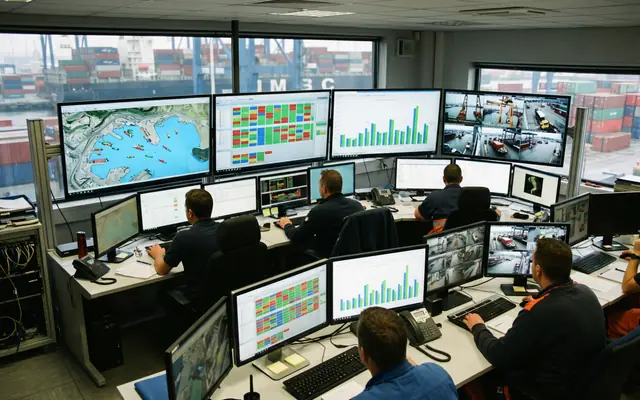
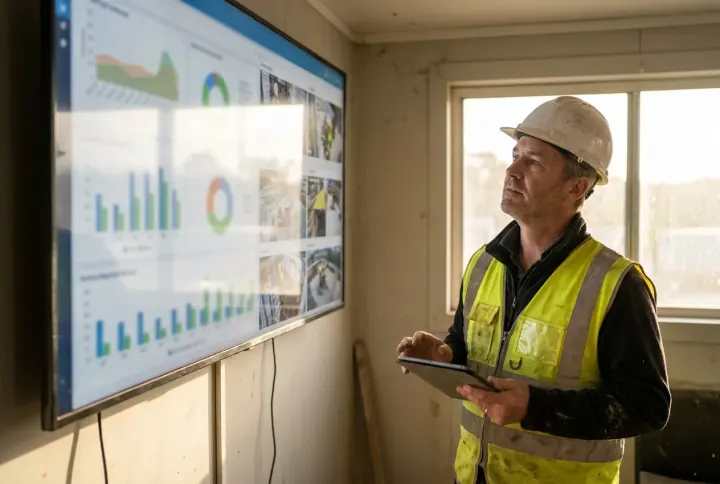
DashboardA wall monitor showing a live safety operations dashboard with charts and camera tiles

Terminal operations dashboard

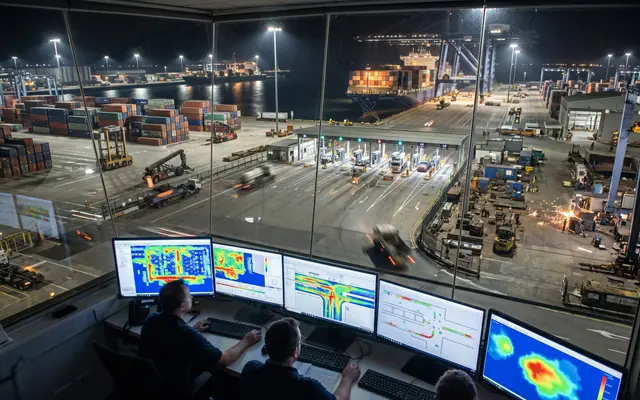
AnalyticsA screen showing a site map with colour-coded risk heat zones

Berth, gate & spill heat maps

ReportingA tablet showing KPI gauges and charts for a safety compliance report

ISPS, IMDG & PFE reports

E · Fits your terminal

IntegrationAn existing CCTV camera on a building with a small edge-AI box beside it

Works on existing quay CCTV

EdgeA compact edge GPU server appliance with status lights in an on-site cabinet

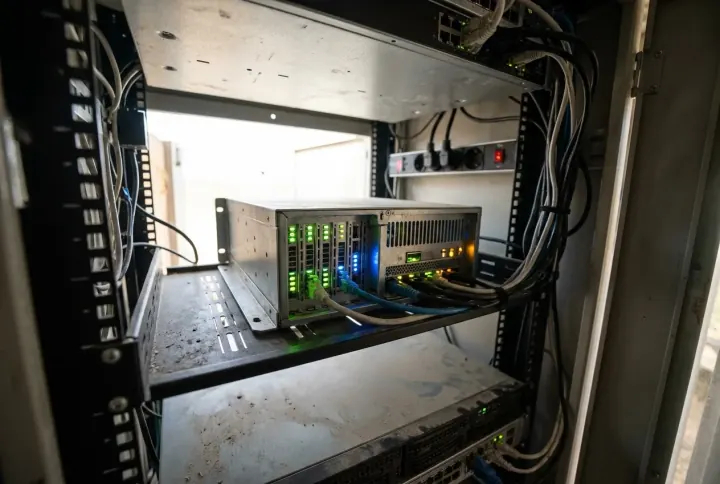
Edge on site, hybrid or cloud

ResidencyA secure on-premises server rack keeping data inside the Kingdom

KSA data residency & PDPL

AI Technology

Our solution is built on data-driven video analytics, computer vision that watches live feeds and understands what it sees. The same AI runs across any input you bring: your existing quay CCTV, gate cameras, drones over the water, patrol launches and smart helmets, all connected into one platform and one app, and processed on-site inside the Kingdom. We keep the engine proprietary; what follows is how it works for you.
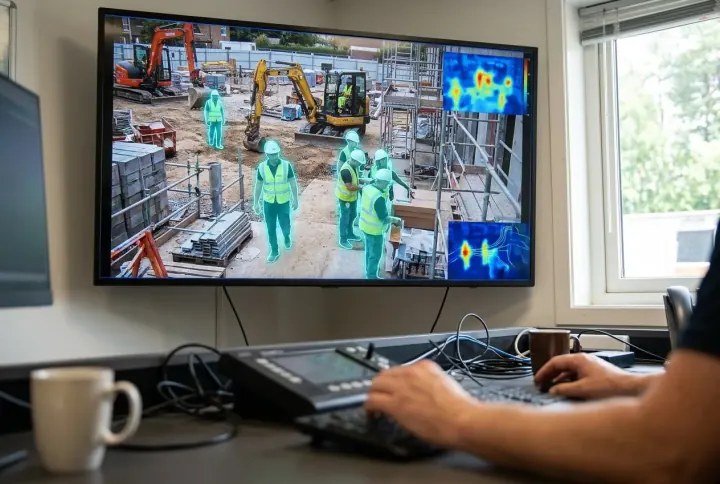
Any input, one platform

AI video analytics highlighting workers on a live control-room feed

AI Video Analytics

The brain behind every source, computer vision analyses each frame in real time and flags gate, quay, vessel, hull and waterside events the moment they appear.
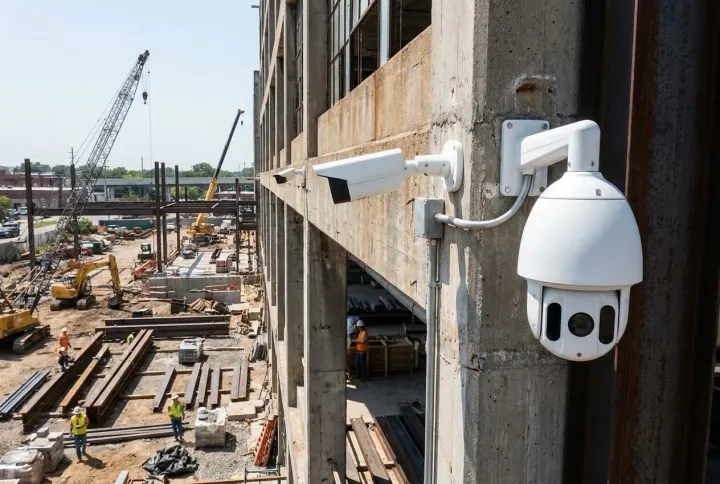
Existing fixed and PTZ CCTV cameras on an industrial building

Your Existing Quay CCTV

Runs on the cameras you already have, fixed, PTZ and thermal, with no rip-and-replace in most terminals.
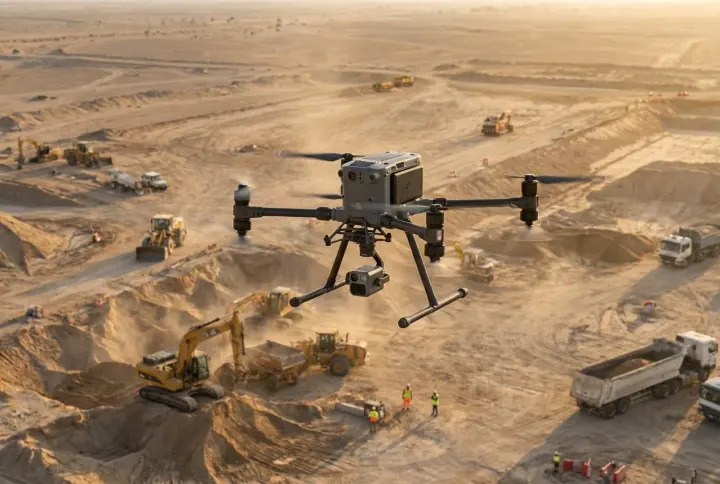
A survey drone flying over a construction site

Drones Over Berth & Water

Drones carry the same AI across long quay walls, hull sides and far reaches of the basin, from above.
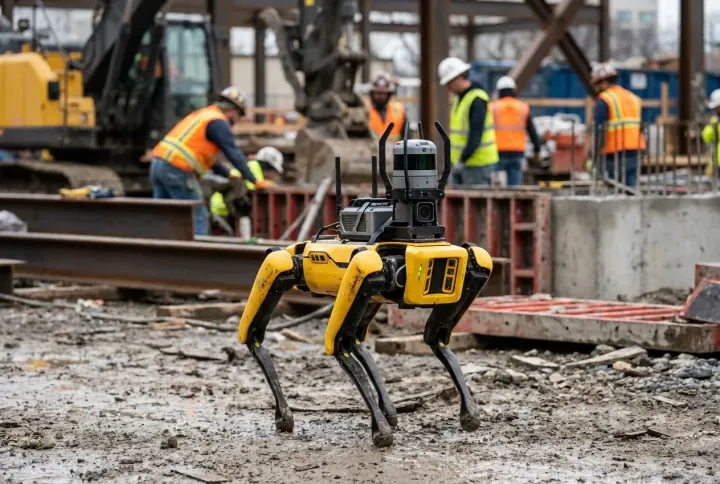
An autonomous quadruped robot dog patrolling an industrial site

Autonomous Patrol

Four-legged robots or unmanned patrol launches reach remote berths, substations and the waterside perimeter where fixed cameras cannot reach.
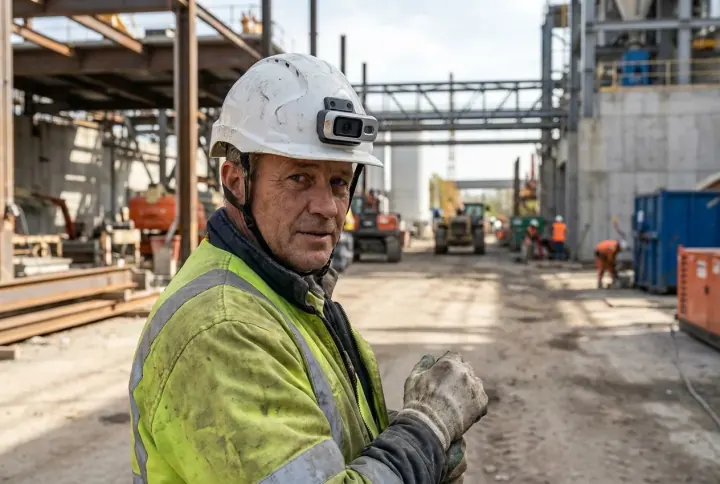
A worker wearing a smart safety helmet with an on-board camera

Smart Helmet & Body Camera

Worker-worn helmets with on-board cameras add a first-person view to quay inspections and lone-worker checks across the terminal.
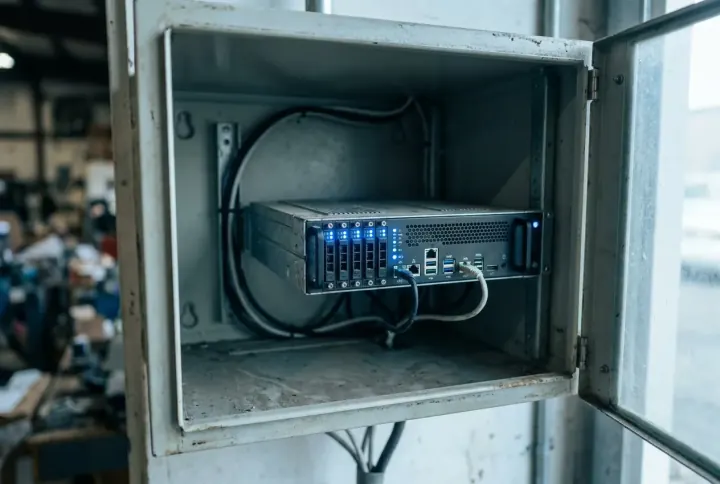
An on-site edge AI server appliance with status lights

On-Site Edge AI

All analysis runs on a secure unit at your terminal, so footage and data stay inside the Kingdom, in line with PDPL.

A unified safety app on a phone showing every connected camera and device

One Unified App, every berth & camera connected

Every quay camera, gate camera, drone, launch and helmet feeds a single platform and one app, one place to watch the whole terminal, verify alerts and act. Add a new device and it simply appears in the same view.

Integration with Your Systems

We adapt to your terminal setup, you don't rebuild for us. The AI runs on the quay cameras, gate cameras and VMS you already have: a small on-site unit pulls the video, your cameras and VMS keep running untouched, and in most terminals nothing is replaced.
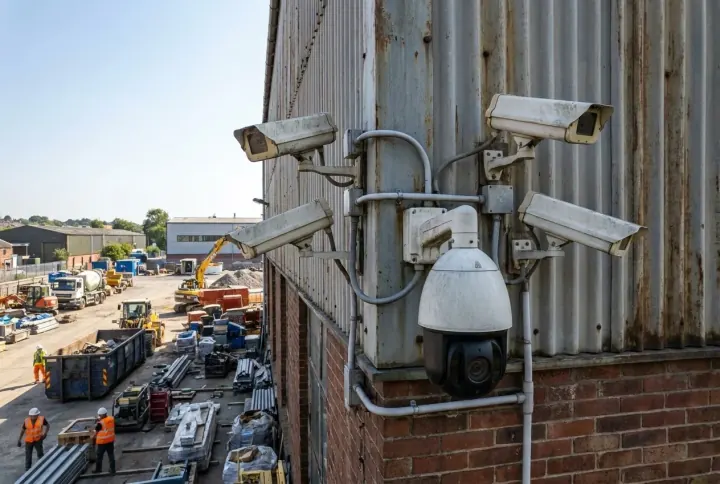
Works with what you have

A mix of existing fixed and PTZ CCTV cameras on an industrial building

No rip-and-replace

In 70–80% of terminals your existing quay, gate and yard cameras are reused as they are. We connect over standard RTSP / ONVIF, compatible with virtually any IP camera.
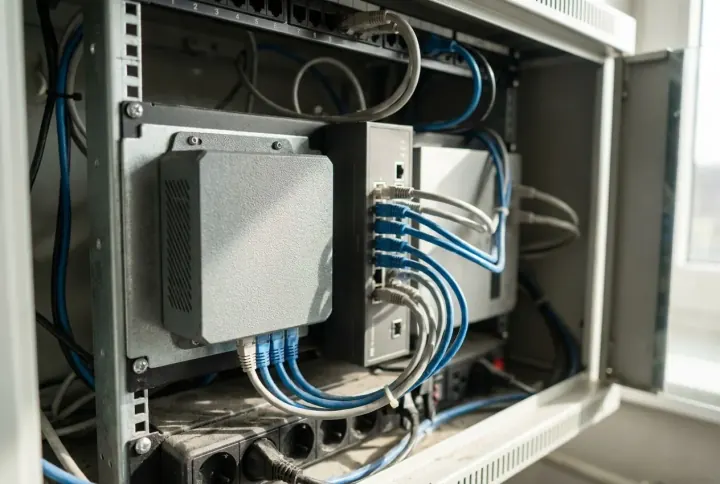
A small edge-AI appliance plugged in beside an existing network switch

Plugs in alongside

A small on-site sidecar unit pulls the camera streams from quay, gate and drone feeds. Your cameras and current VMS keep running exactly as they do today, no disruption.
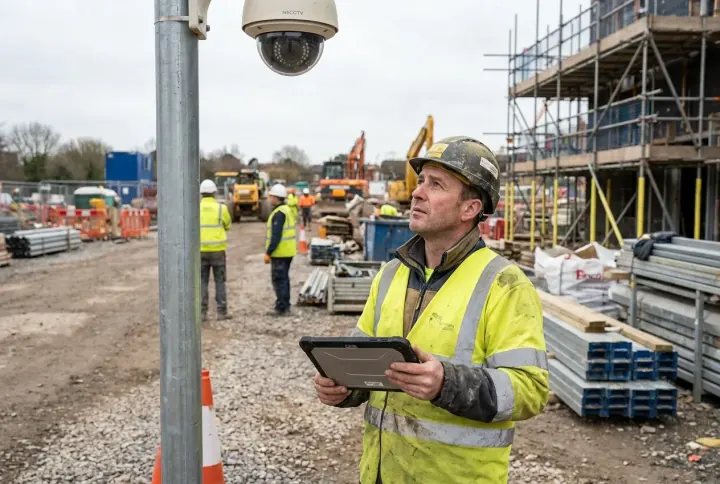
A technician surveying a CCTV camera with a tablet before deployment

Survey before spend

A pre-deployment camera survey (included) checks each quay, gate and waterside camera's resolution, angle, lighting and reach, so you know exactly what qualifies before buying anything.

Connects to your monitoring systems

Milestone XProtect Genetec Security Center Hikvision / HikCentral Dahua DSS Axis Camera Station

We integrate with the leading VMS platforms used in Kingdom ports, pushing events and alerts straight into the system your control room and gate house already use. Not on the list? The edge unit also runs fully standalone over direct RTSP, no VMS required.

Camera requirements

Parameter Minimum Recommended
Resolution2 MP (1080p)4 MP or higher
Frame rate10 fps15–25 fps
Low lightIR / night capableTrue WDR
Detail on targethead ≥ 20 px≥ 40 px for PPE
CompressionH.264H.265 (½ the bandwidth)

Network & footprint

  • Light on bandwidth, a few Mbps per 1080p camera; H.265 halves it.

  • Only alerts leave the edge, short event clips and metadata, never full 24/7 video.

  • Processed on-site, a site VPN or private APN covers remote locations; data stays in the Kingdom.

  • No new software for your team, the dashboard is browser-based; nothing to install.

Use Cases

The same AI runs across marine terminals and ports — flagging container ANPR at the gate, vessel & berth events, crane and heavy-equipment proximity, cargo & container theft, waterside perimeter intrusion, hull corrosion, PPE (life vest & hi-vis), oil spill on water and restricted quay zones on your existing cameras and drones, with a pixel-precise segmentation mask, never a crude box.

Gate, Access & ANPR
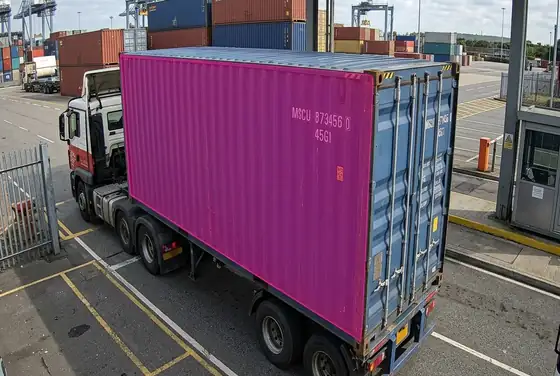
AI segmentation reading a container number on a chassis at the terminal gate
Container Number ID
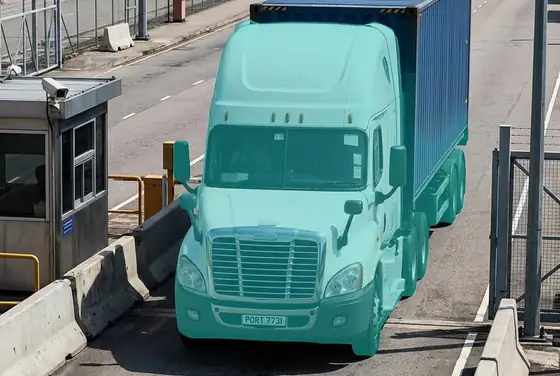
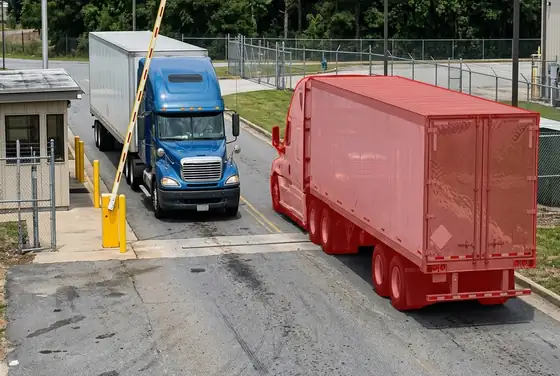
AI segmentation reading a truck plate at a port gate ANPR camera
Truck Plate ANPR
AI segmentation flagging a tail-gating truck following another through the gate boom
Tail-Gating at Gate
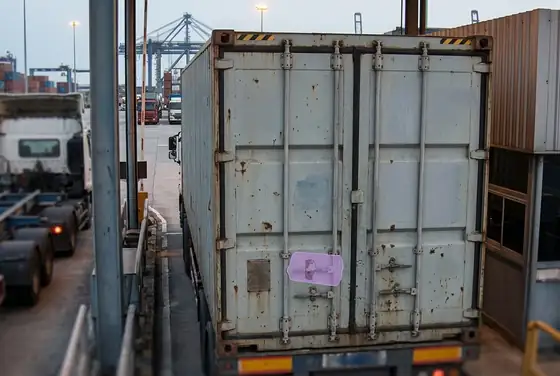
AI segmentation flagging a broken or missing seal on a container door at the gate
Broken / Missing Seal
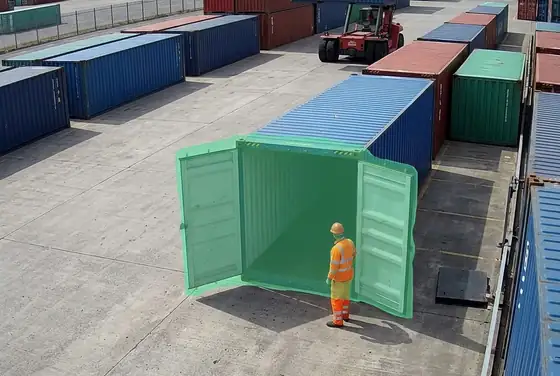
AI segmentation flagging an open container door during a yard inspection
Open Container Door
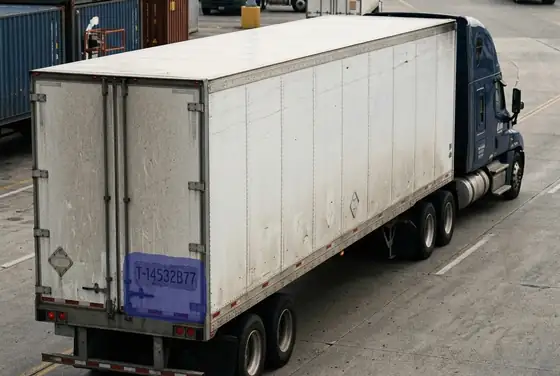
AI segmentation flagging a chassis number on a tractor-trailer at the terminal
Chassis & Trailer ID

Vessels & Berth Monitoring

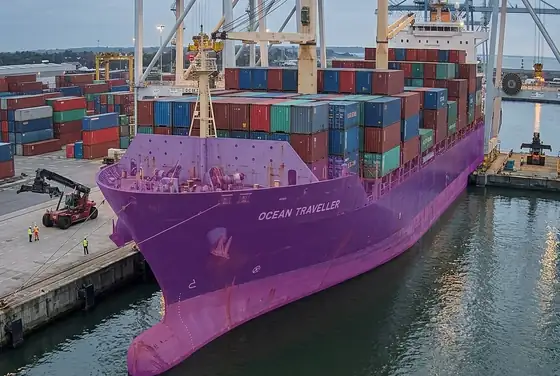
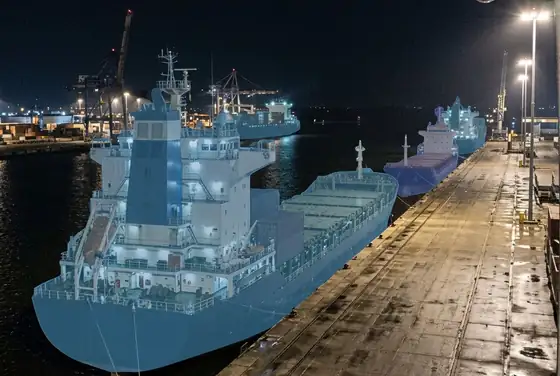
AI segmentation classifying a container vessel hull at a berth camera view
Vessel Type & Hull
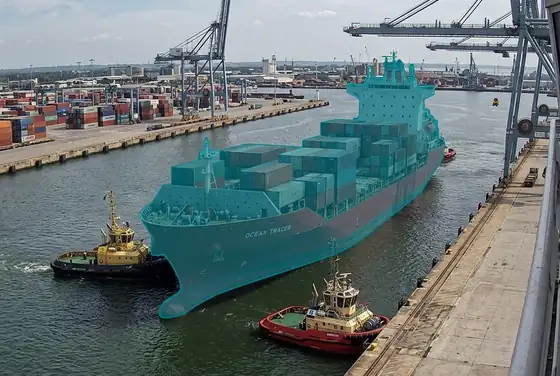
AI segmentation flagging a vessel arriving at an assigned berth from a port camera
Arrival at Berth
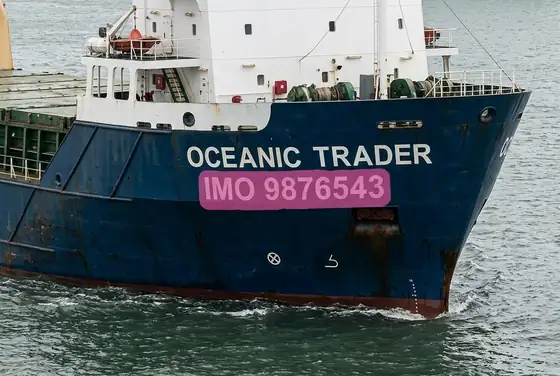
AI segmentation reading a vessel IMO number painted on the bow
IMO Number Read
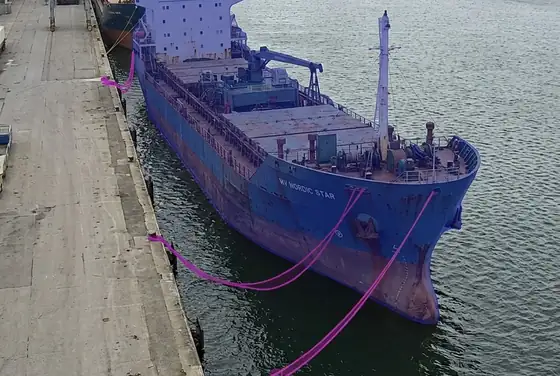
AI segmentation flagging loose mooring lines and a drifting vessel at a quay
Mooring Line Status
AI segmentation marking berth occupancy across a quay wall at night
Berth Occupancy
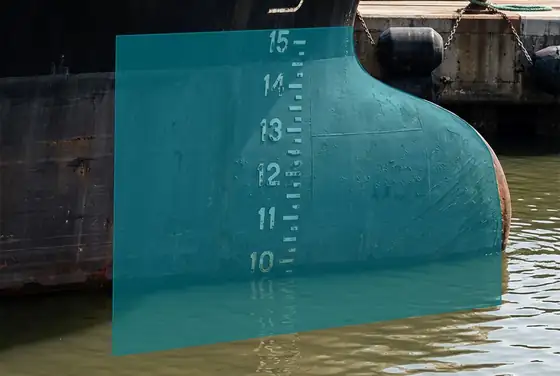
AI segmentation reading the vessel draft marks painted on the hull near the waterline
Draft & Trim Marks

Crane & Heavy-Equipment Proximity
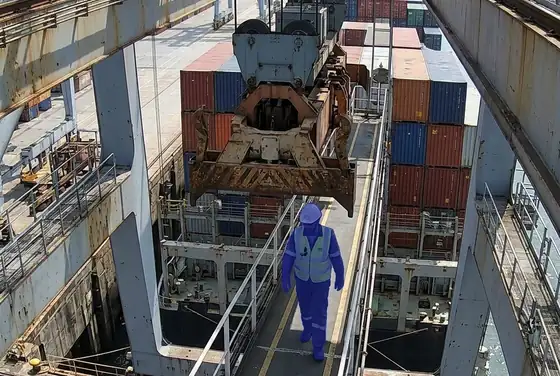
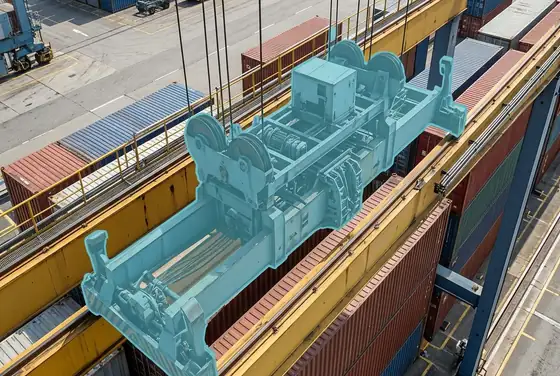
AI segmentation flagging a worker walking beneath a suspended ship-to-shore crane spreader
Worker Under Spreader
AI segmentation outlining an RTG crane trolley moving over a container stack
RTG Crane Motion
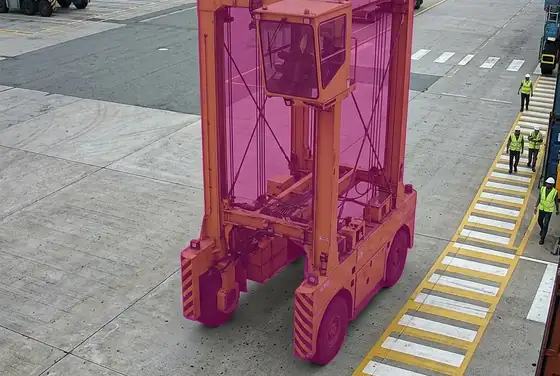
AI segmentation flagging a straddle carrier approaching a pedestrian walkway
Straddle Carrier Proximity
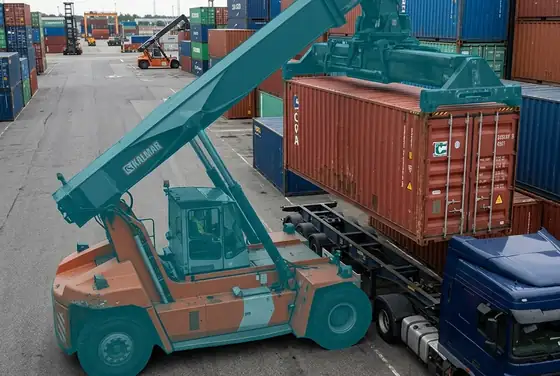
AI segmentation flagging a reach stacker lifting a container over a parked truck cab
Reach Stacker Lift
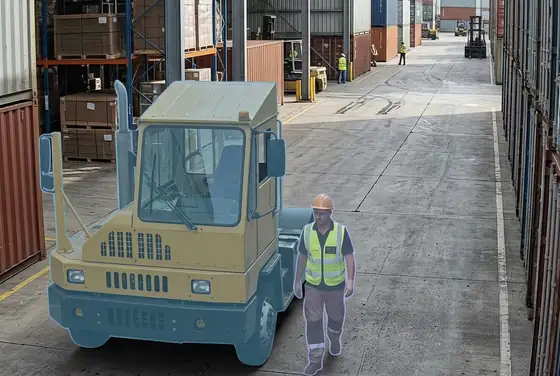
AI segmentation flagging a yard tractor close to a pedestrian worker in a stack lane
Yard Tractor Proximity
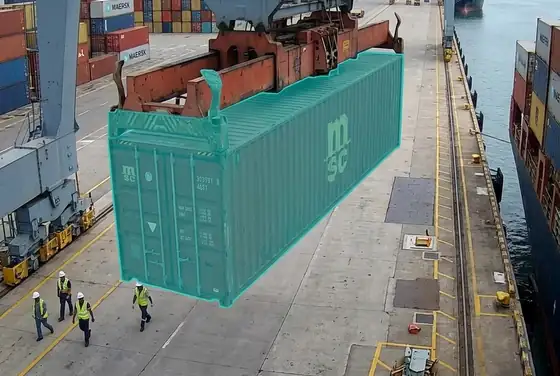
AI segmentation flagging a swinging container suspended over a quay walkway
Suspended Load Over Quay

Cargo & Container Theft

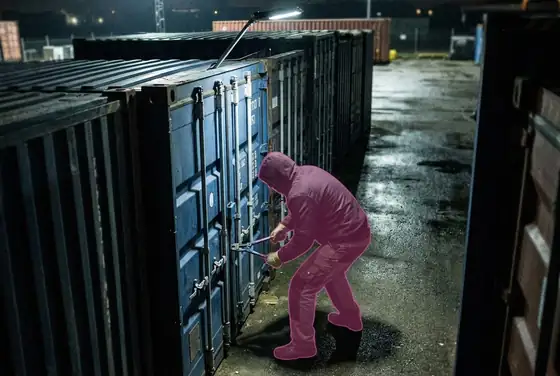
AI segmentation flagging a person breaking a container seal at night in a yard
Seal Tampering
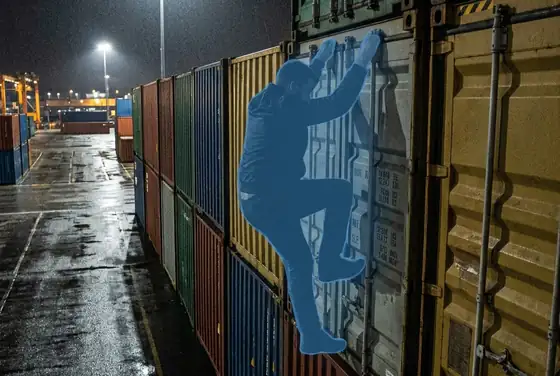
AI segmentation flagging an unauthorised person climbing a container stack at night
Yard Stack Intrusion
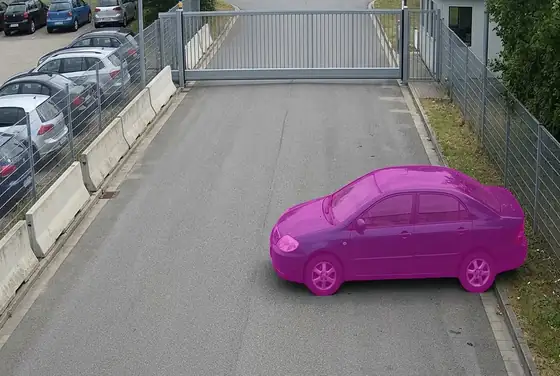
AI segmentation flagging a suspicious vehicle loitering near an exit gate
Suspicious Vehicle
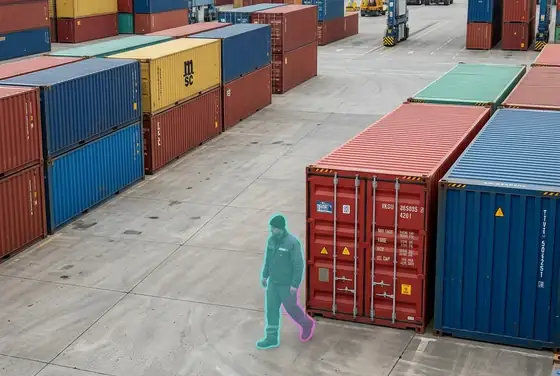
AI segmentation flagging a person lingering near a high-value container in the stack
Loitering at Stack
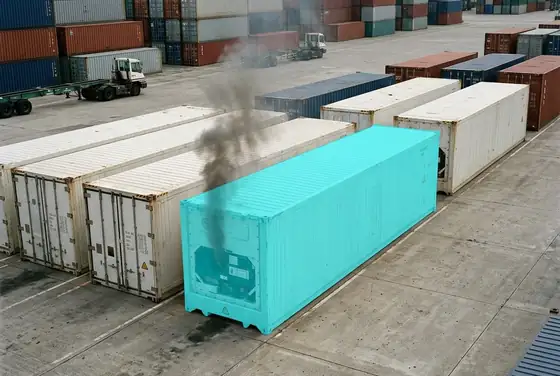
AI segmentation flagging a reefer container emitting smoke on the terminal yard
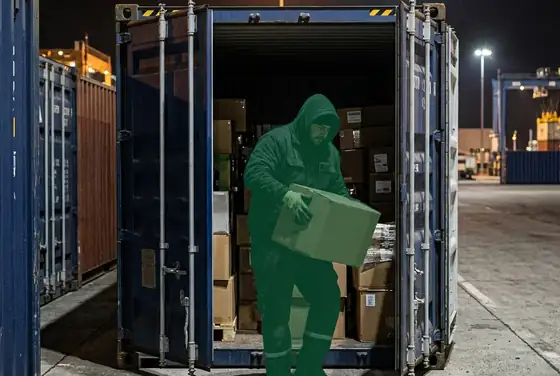
Reefer Smoke / Fire
AI segmentation flagging a person lifting goods out of an open container door at night
Container Break-In

Hull, Structure & Corrosion
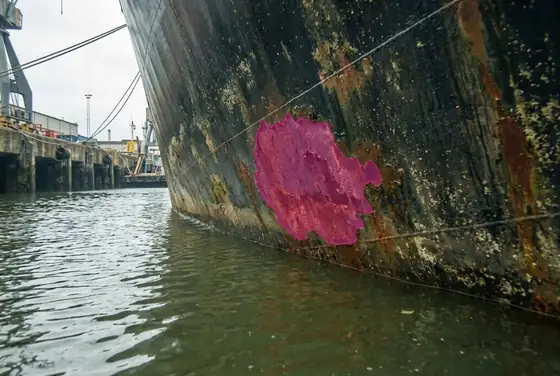
AI segmentation flagging a rust patch on a vessel hull near the waterline
Hull Rust Patch
AI segmentation flagging pitting corrosion along a hull plate above the boot top
Pitting Corrosion
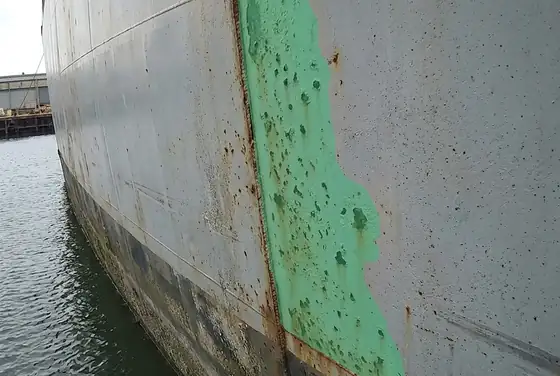
AI segmentation outlining paint loss and coating breakdown on a ship hull
Paint & Coating Loss
AI segmentation flagging a missing sacrificial zinc anode on a vessel hull
Anode Wear / Missing
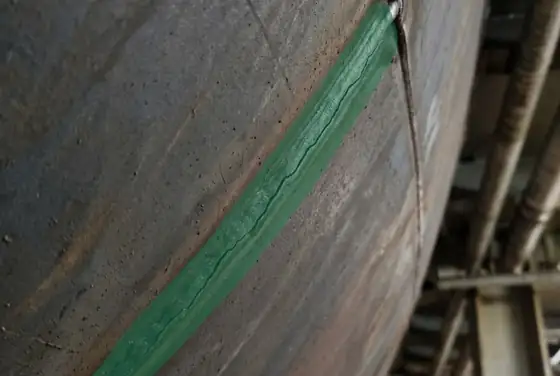
AI segmentation highlighting a hairline crack along a weld seam on a hull plate
Weld / Plate Crack
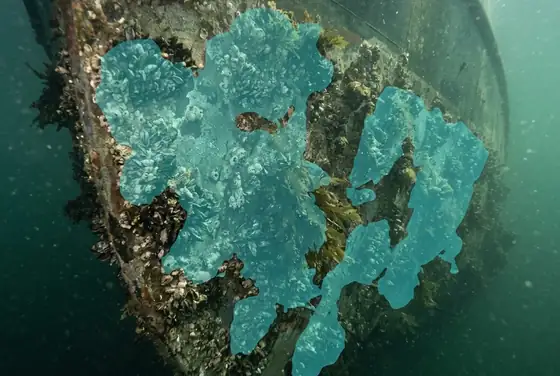
AI segmentation flagging heavy marine growth fouling on a hull below the waterline
Marine Growth / Fouling

PPE, Pollution & Restricted Zones
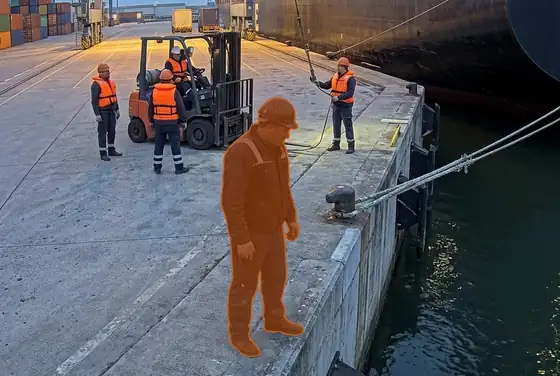
AI segmentation flagging a dock worker without a life vest near the quay edge
No Life Vest
AI segmentation flagging a quay worker without a hi-vis vest at night
No Hi-Vis Vest
AI segmentation outlining an oil slick spreading on harbour water near a berth
Oil Spill on Water
AI segmentation highlighting a rainbow sheen of bilge discharge from a vessel hull
Bilge / Sheen Discharge
AI segmentation flagging a person crossing into a restricted quay zone marked by barriers
Restricted Quay Intrusion
AI segmentation flagging an unauthorised small craft entering a no-entry port exclusion zone
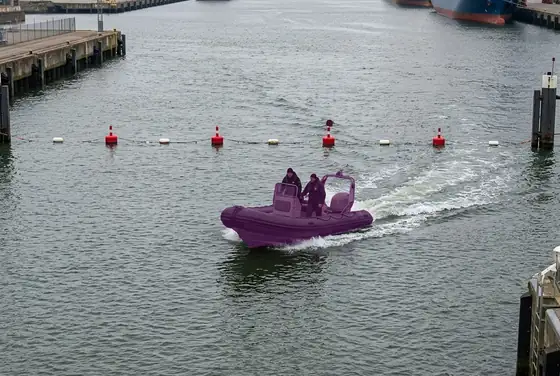
Waterside Exclusion Breach
Not limited to these These are our standard library, we also train custom detection classes for the vessels, equipment, berths and processes specific to your terminal.

How We Do It

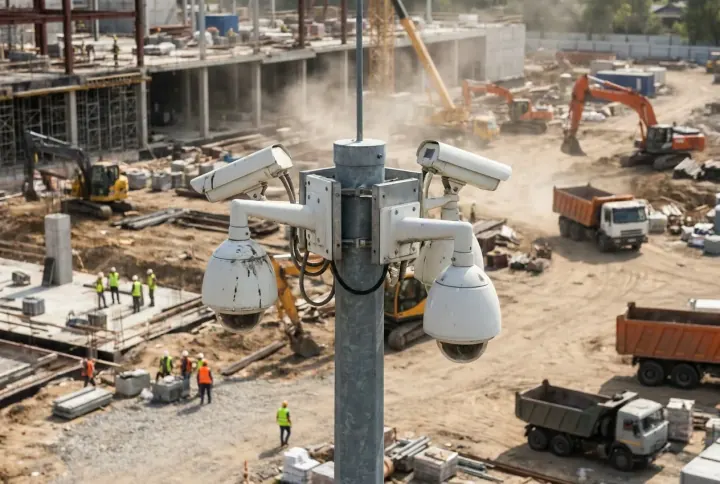
01Existing CCTV cameras on a pole overlooking an active construction site

Ingest

We pull live video from your quay, gate and waterside CCTV over RTSP and ONVIF, no new cameras in most terminals

02A compact edge GPU appliance processing video on site

Edge AI

Inference runs on a small on-site GPU appliance at the terminal, so video and data stay inside the Kingdom

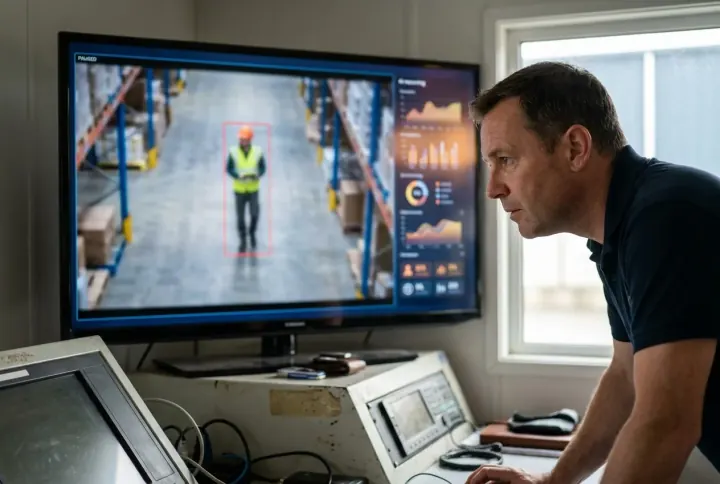
03A monitor showing workers segmented by AI masks on a live site feed

Detect

A three-stage cascade segments vessels, containers, people, PPE, plant and hull condition on every frame, across a broad library of categories

04A control-room screen showing an AI reasoning check on a flagged event

Validate

A vision-language model reasons over context to confirm or suppress each alert, killing false alarms on busy berths

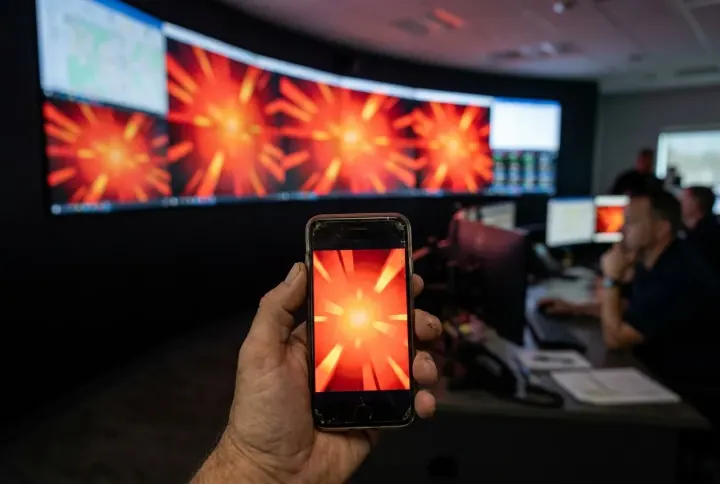
05A supervisor phone and a control-room wall lighting up with the same alert

Alert

Tiered alerts reach the control room, gate house, dockmaster and patrol phones within seconds

06An operator confirming an alert with a video clip on screen

Confirm

For non-critical events an operator confirms with a clip and scene description before patrol or pilot is dispatched

07An HSE manager viewing a wall dashboard of site safety KPIs

Dashboard

Every quay, gate and waterside camera and live alert appears on one dashboard, on a control-room screen or a phone

08An automatically generated safety report with charts and an audit trail

Report & audit

Shift, tidal-window and incident reports, KPIs and an immutable audit trail are generated automatically for ISPS, IMDG and PDPL

The Monitoring Platform

One console for the port operations team. Overview, events, cameras, vessels, berths, zones, reports and live AI inspection, all in a single app. Every alert traces back to the camera that raised it, the berth or zone it sits in, the moment it happened, and the confidence the AI gave it. Live today at viewkeepersa.com/VisualDefectDemo/hse.
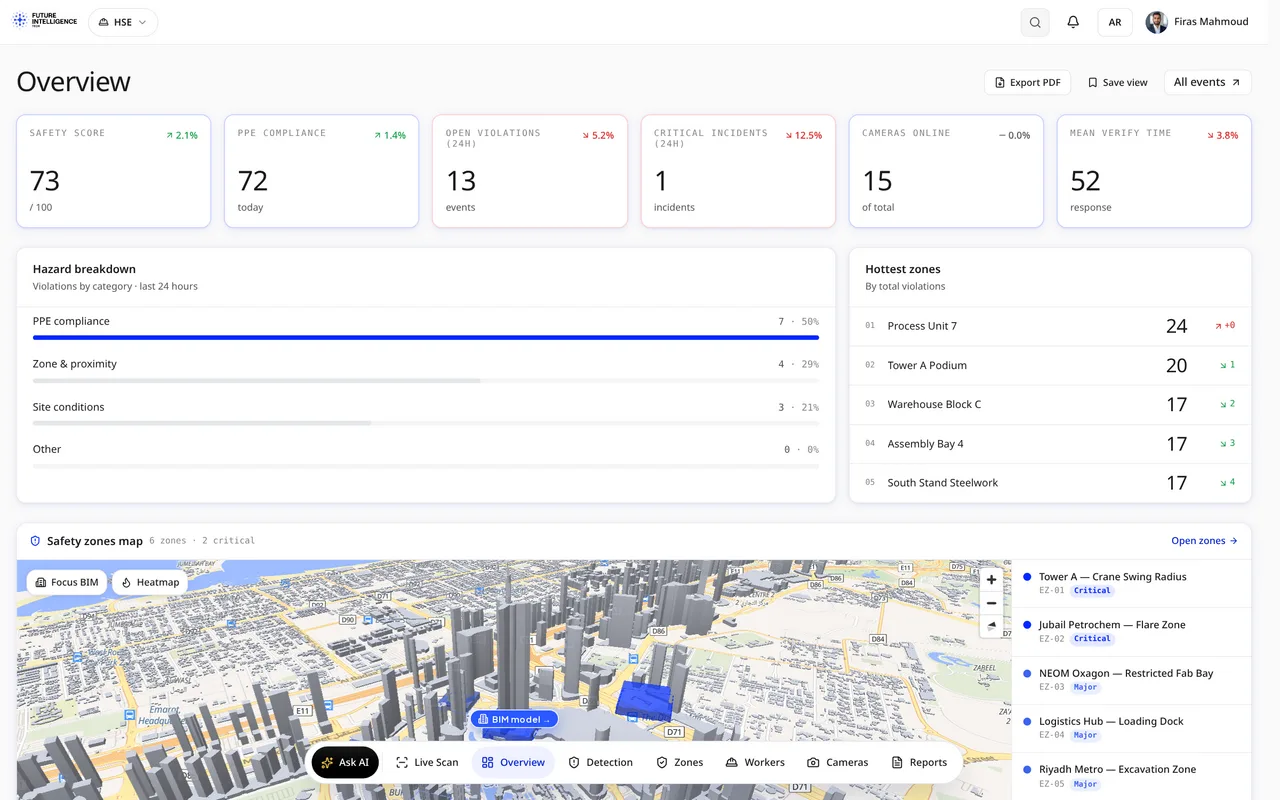
HSE app overview: safety score, hazard breakdown, hottest zones and 3D zone map Terminal Monitoring · Overview
  • Live AI detection: ANPR, vessel arrival, crane proximity, cargo theft, oil spill, restricted-zone breach
  • your quay, gate, yard and waterside PTZ and thermal cameras on one live wall
  • Per-camera health and link status across the terminal
  • Operator verify, dockmaster dispatch and false-alarm workflow
  • Owner-ready daily, monthly and incident-evidence reports for ISPS & IMDG
  • Runs in the on-site control room, no foreign cloud

Platform Walkthrough — Page by Page

07 · A

Seven pages, live in our terminal app today. The images below come straight from the running build. These are the same screens your operations and security teams will open on day one.

The whole terminal, one screen viewkeepersa.com/VisualDefectDemo/hse
01 · Overview

The whole terminal, one screen

The terminal landing page. A live security and operations score, gate throughput, berth occupancy, open ANPR denials, hull anomalies and active oil-spill alerts run across the top, next to cameras online and mean response time. Below sits a 24-hour incident breakdown, the busiest berths ranked, and a 3D berth and waterside map of the port.
Ops ScoreBerth BreakdownBusiest Berths3D Berths Map
Every event, triaged viewkeepersa.com/VisualDefectDemo/hse/events
02 · Events

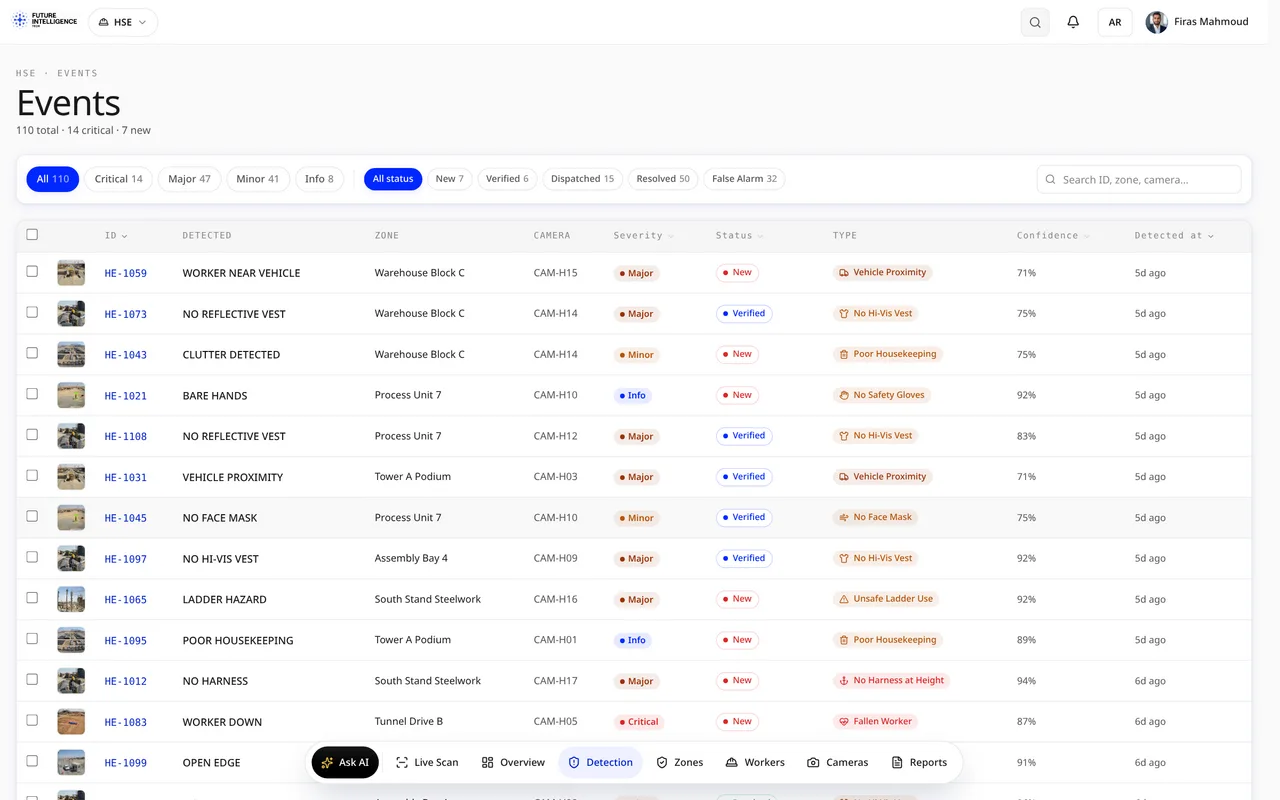
Every event, triaged

The working queue of terminal events. Each one tagged by type — ANPR denial, seal tamper, oil sheen, restricted-zone breach — with the camera and berth or zone that caught it, a severity, a confidence score and a status. An officer verifies, assigns or closes, and the response clock keeps the team honest.
24 Event TypesSeverity RoutingEvidence SnapshotResponse Clock
The camera fleet, at a glance viewkeepersa.com/VisualDefectDemo/hse/cameras
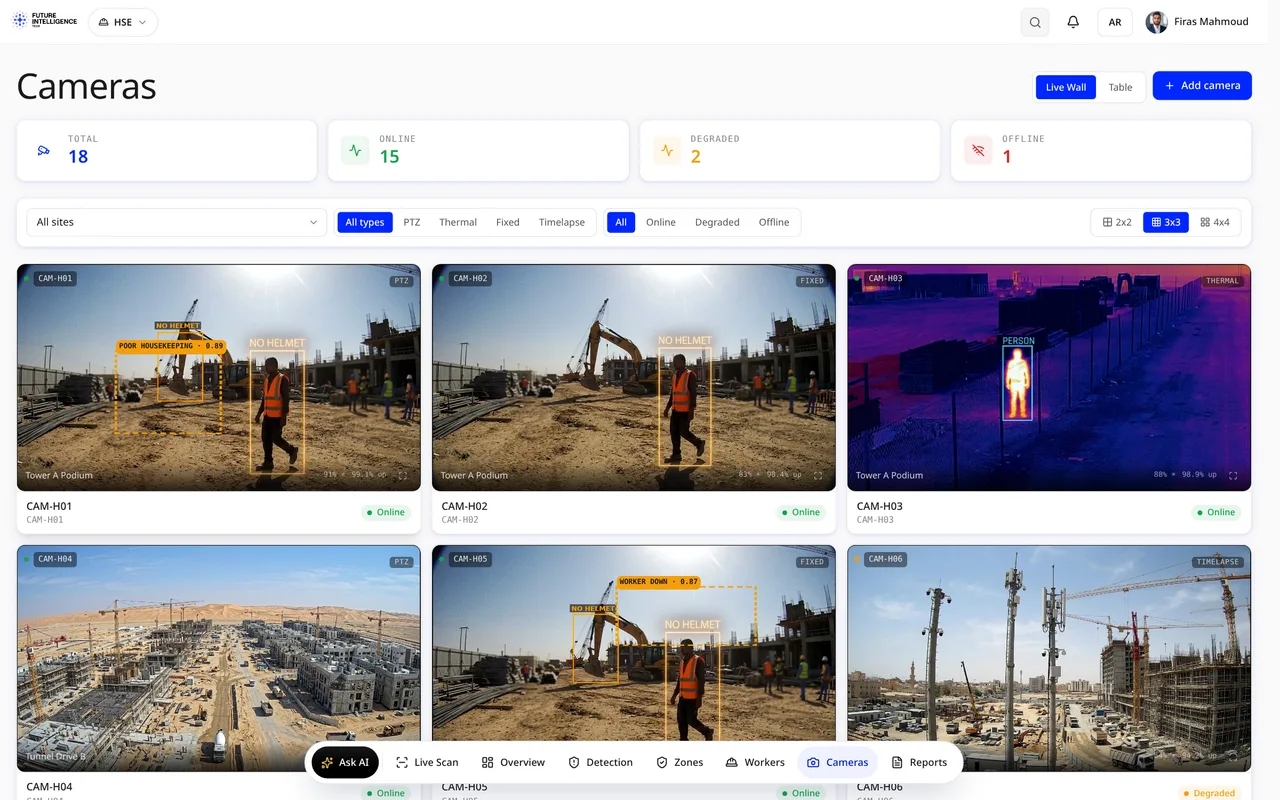
03 · Cameras

The camera fleet, at a glance

Every connected quay, gate, yard and waterside camera by berth and zone, with live thumbnails, online status and the detections it raised. A technician sees what needs attention before the morning shift.
Live ThumbnailsPer-BerthOnline StatusLast Event
Crews & compliance, watched viewkeepersa.com/VisualDefectDemo/hse/workers
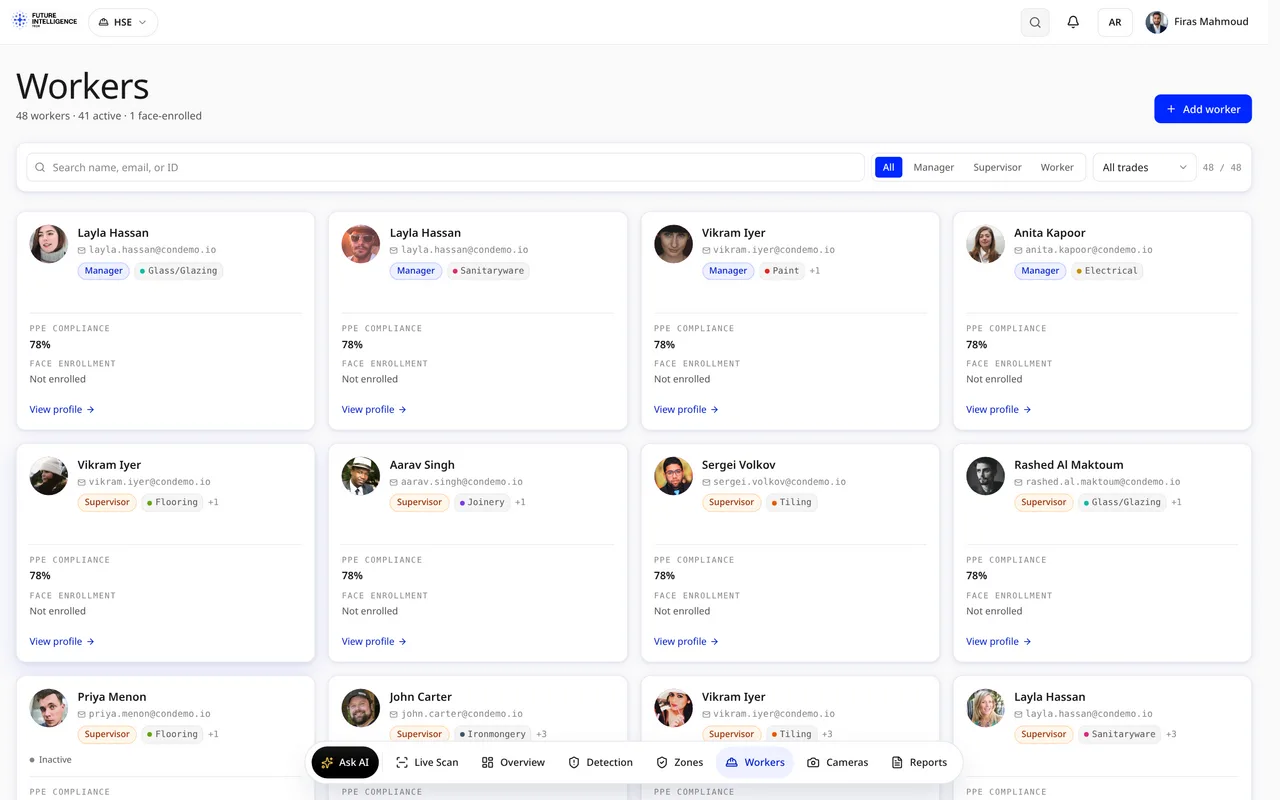
04 · Crews

Crews & compliance, watched

Maritime crew & compliance built for Kingdom ports: life-jacket and hi-vis compliance per crew on quay and gangway, lone-worker flags, contractor induction status, and heat-stress risk levels, so the rules MHRSD and MAWANI audit are kept automatically.
Heat StressLife-JacketCrew Hi-VisLone Worker
Restricted zones, drawn and enforced viewkeepersa.com/VisualDefectDemo/hse/zones
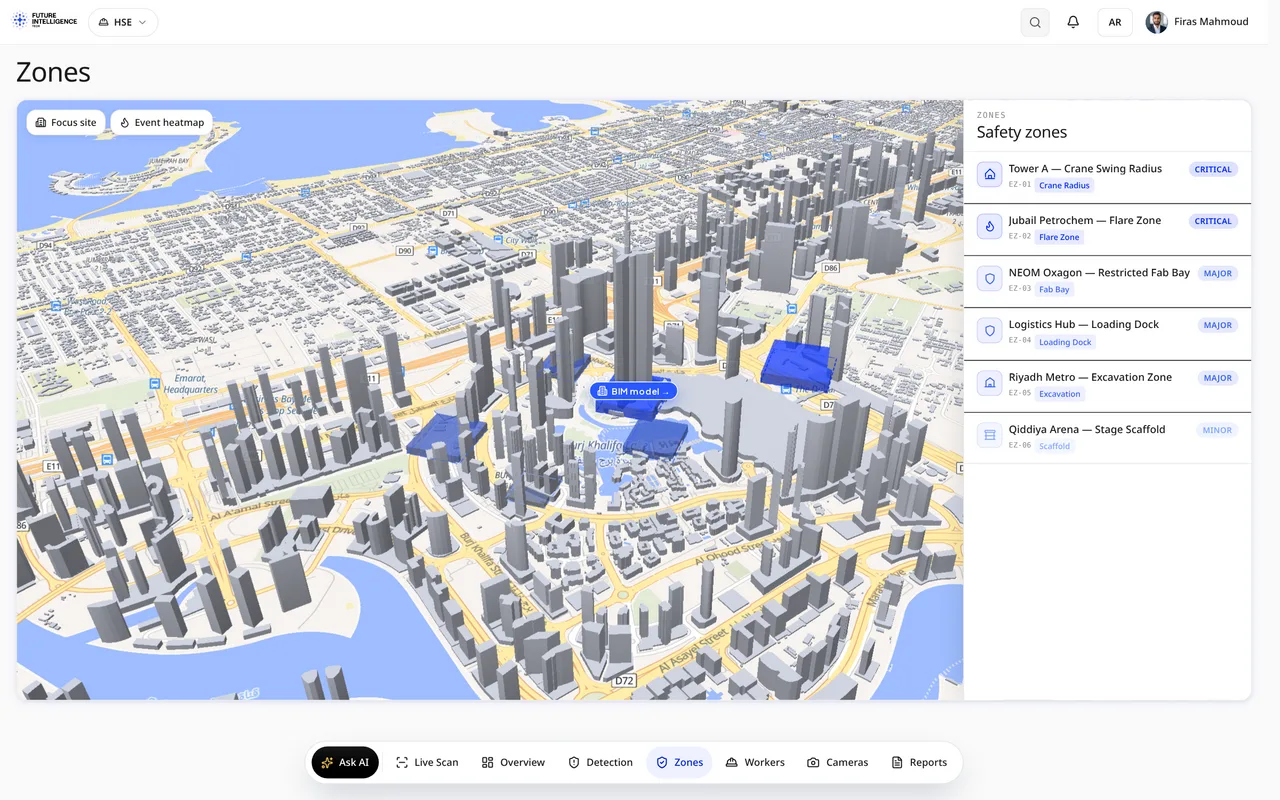
05 · Zones

Restricted zones, drawn and enforced

Port zones drawn on the site plan and the 3D model: ISPS restricted areas, crane radii, IMDG hazmat stacks, no-anchor zones. Each zone carries its own rules, and any intrusion or waterside breach shows up in Events with the zone attached.
Zone Rules3D ModelCrane RadiiWaterside Link
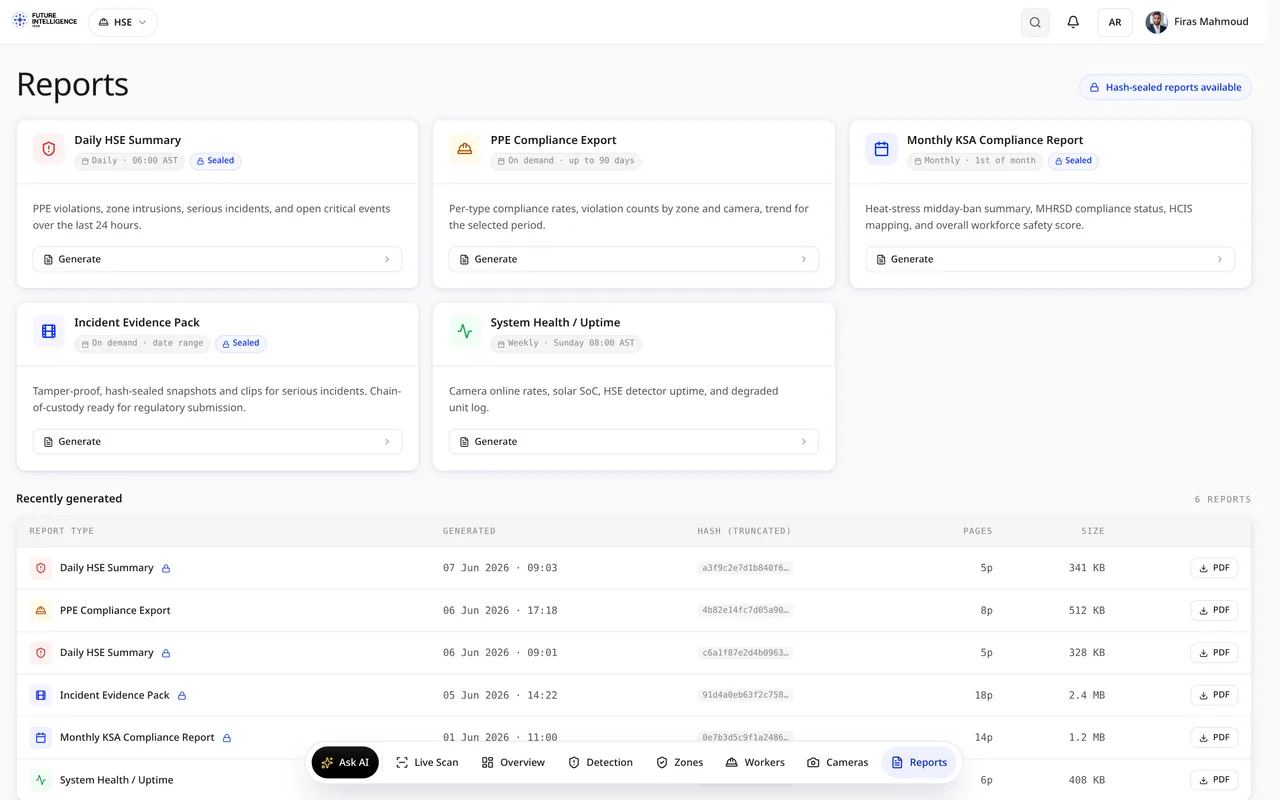
Ready for the audit viewkeepersa.com/VisualDefectDemo/hse/reports
06 · Reports

Ready for the audit

Shift, tidal-window and incident summaries, ANPR & seal integrity exports and incident evidence packs, generated automatically and exportable for ISPS, IMDG and PDPL reviews. One click, and the record is in your inbox.
Shift SummaryANPR ExportEvidence PackISPS / PDPL
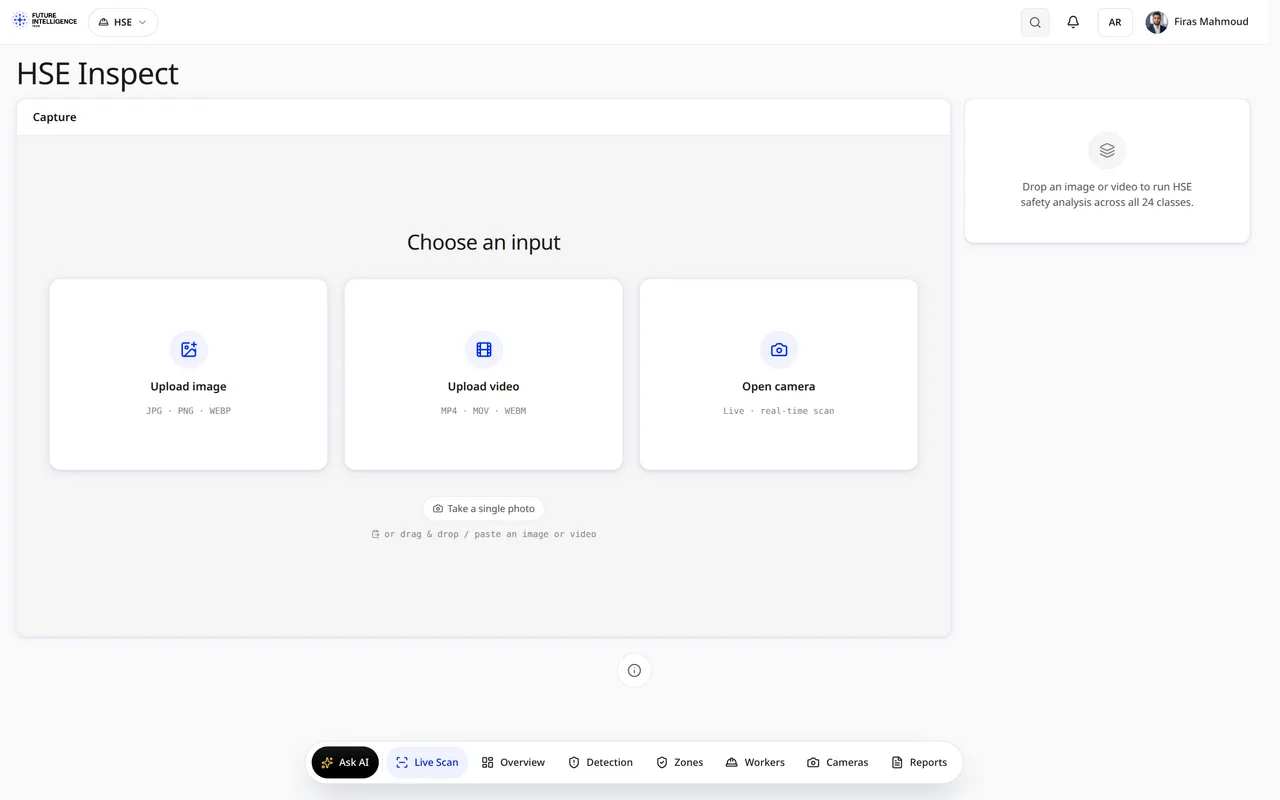
Point the AI at anything viewkeepersa.com/VisualDefectDemo/hse/inspect
07 · Inspect

Point the AI at any quay, gate or hull scene

A live AI scan page: drop in footage from a quay camera, a gate capture or a hull survey, and the engine outlines vessels, containers, PPE, hull condition and hazards on the spot. The fastest way to see the detection quality on your own scenes.

Live ScanAny FootageInstant MasksYour Scenes