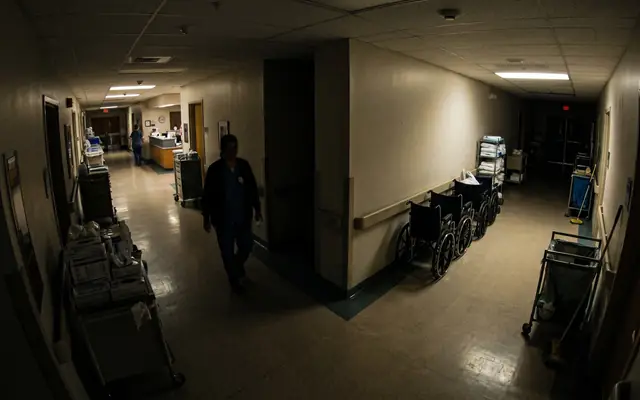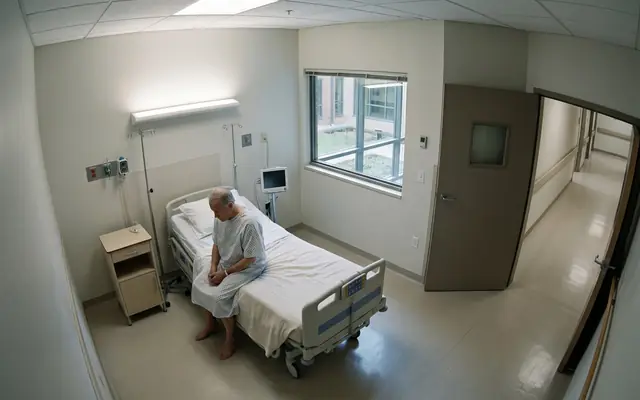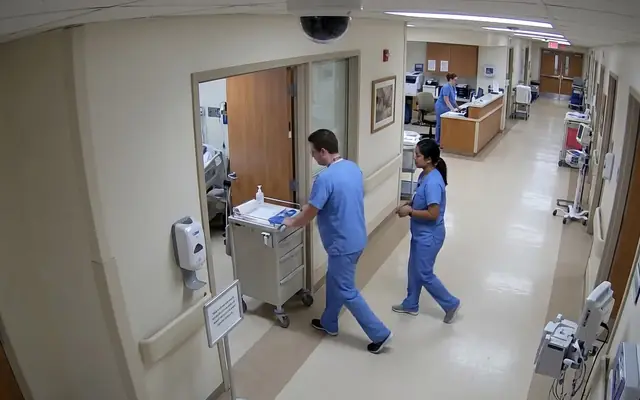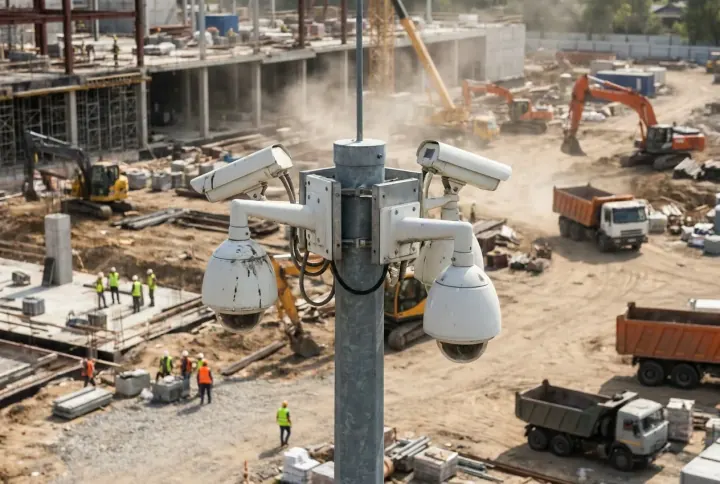
Challenges

Five fronts where unsafe acts, hygiene breaches, security gaps and patient-safety risks slip past a busy ward, and why CCTV watched by people alone cannot keep up.
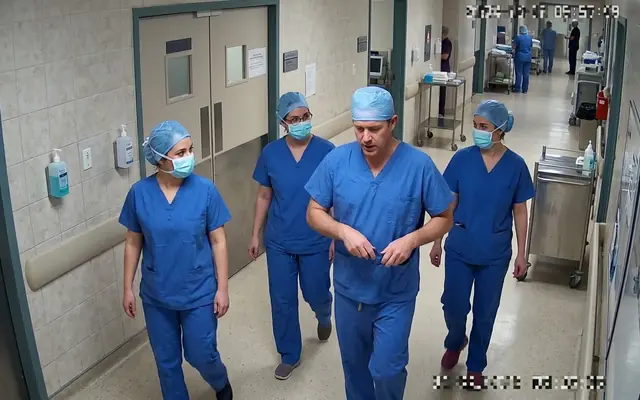
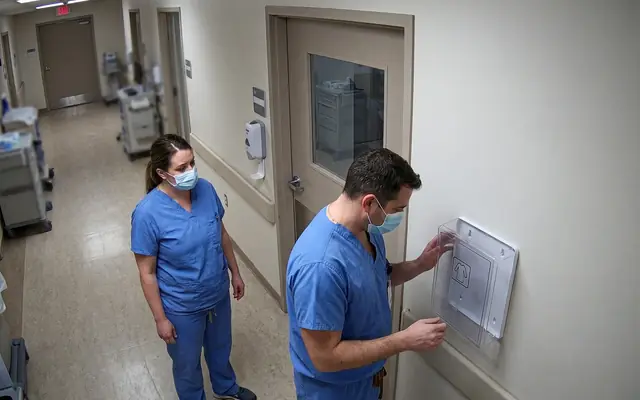
A · Unsafe acts in care

PPEA bare-headed worker without a hard hat among colleagues wearing helmets on a construction site

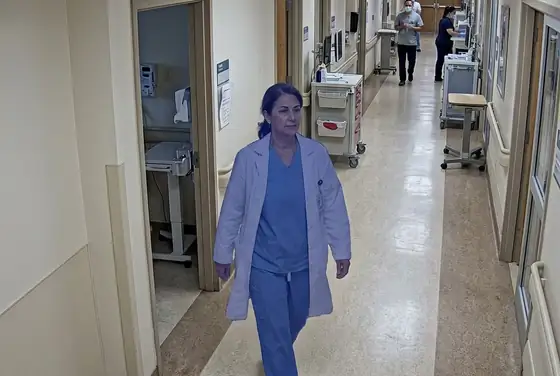
Missing surgical mask

PPEA worker in plain clothes without a hi-vis vest standing near a moving wheel loader

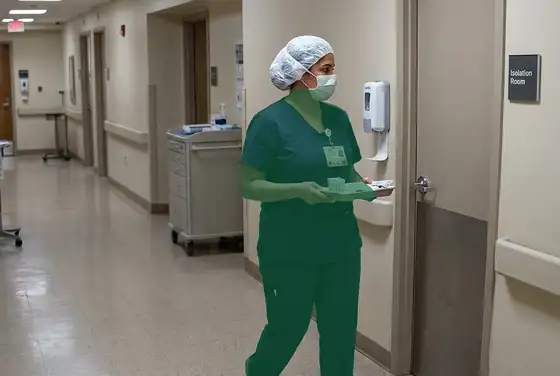
No isolation gown

Patient handlingA worker at the unprotected edge of a high concrete slab without a fall-arrest harness

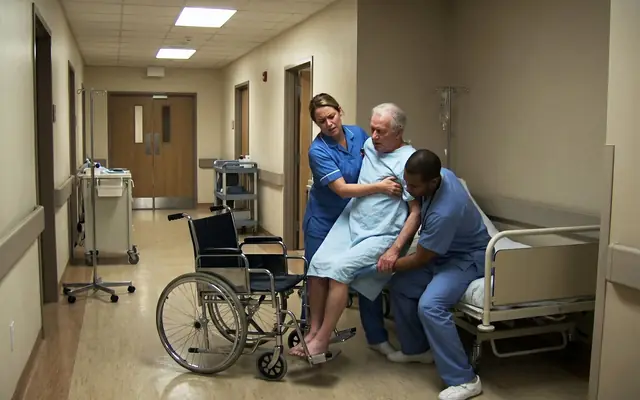
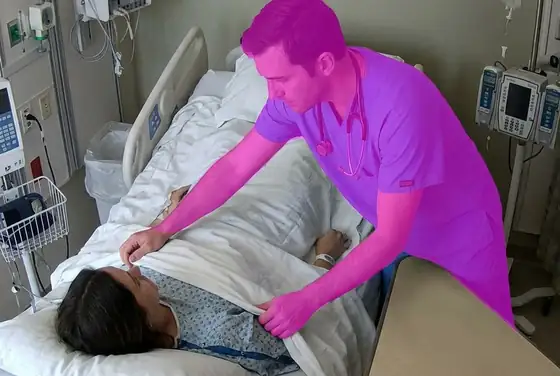
Manual lift without aid

B · Hazards & unsafe conditions

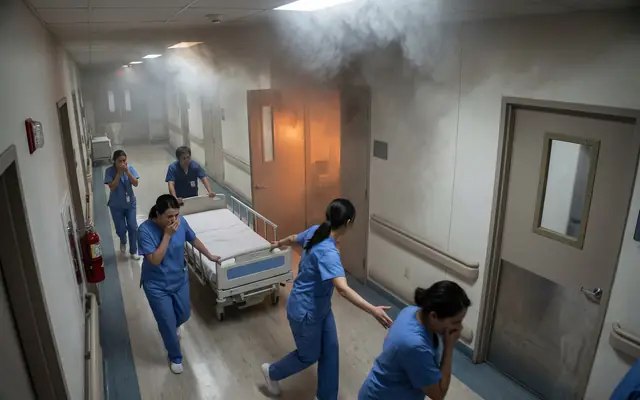
FireEarly-stage fire with small flames and smoke beginning among stacked site materials

Fire & smoke

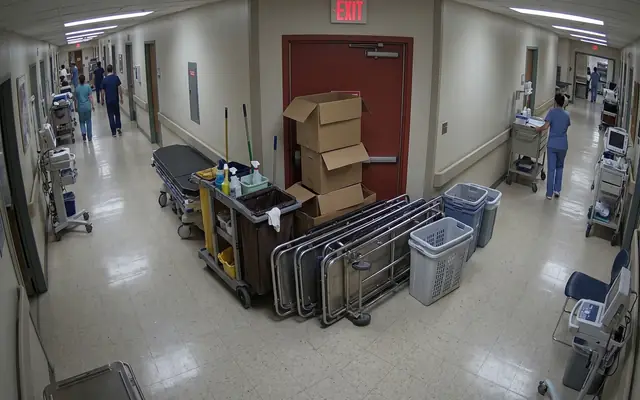
EgressAn emergency exit doorway blocked by stacked boxes and debris

Blocked emergency exit

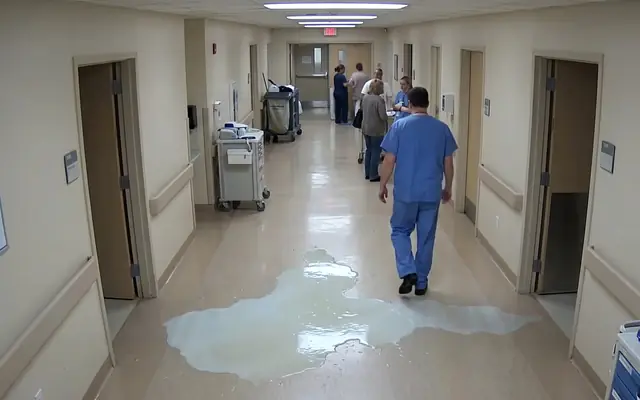
SlipAn oil and water spill spreading across a concrete factory floor

Wet floor & spill

C · Access, vehicles & zones

CrowdingA forklift operating close to a pedestrian worker inside a warehouse

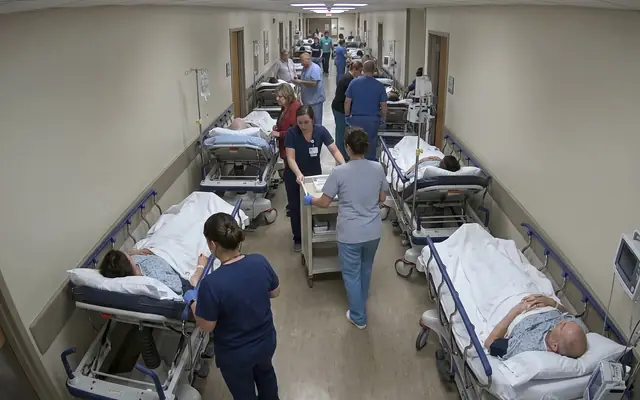
Stretcher & corridor crowding

AccessAn open excavation trench with no barrier or fence around it

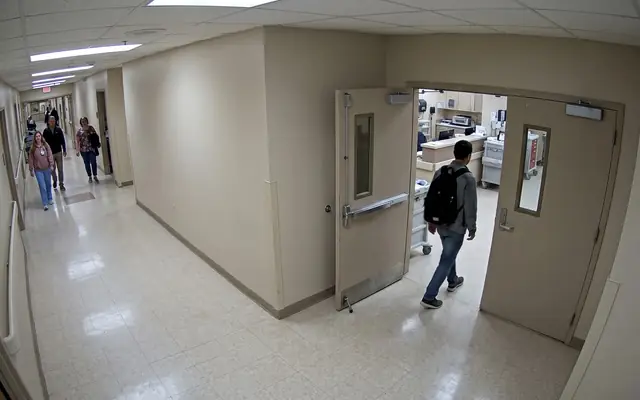
Unbarriered restricted area

ParkingA worker walking directly underneath a heavy load suspended from a tower crane

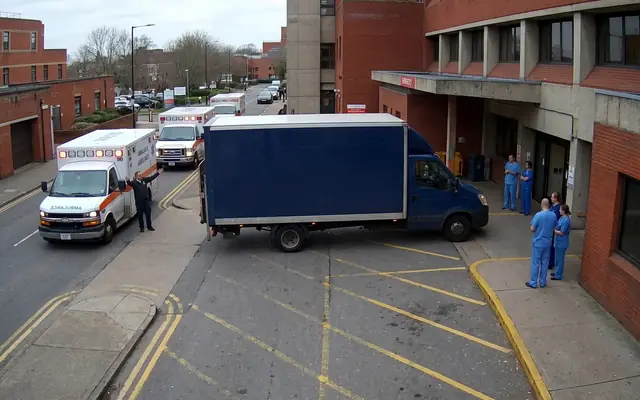
Ambulance bay blocked

D · The monitoring gap

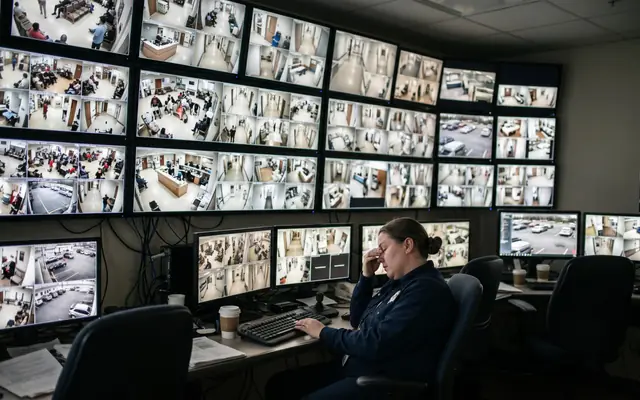
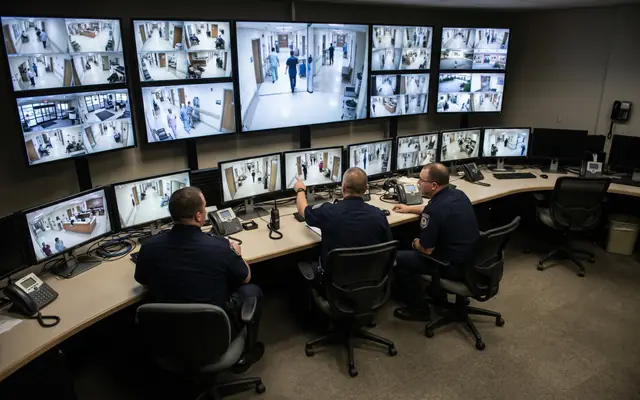
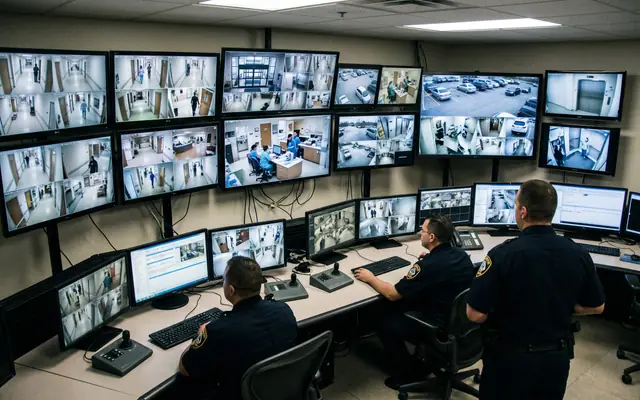
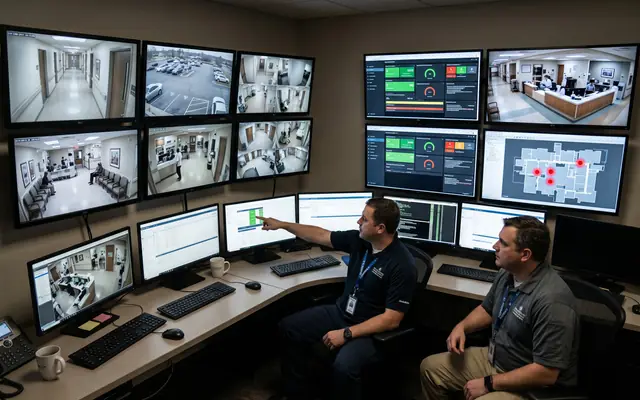
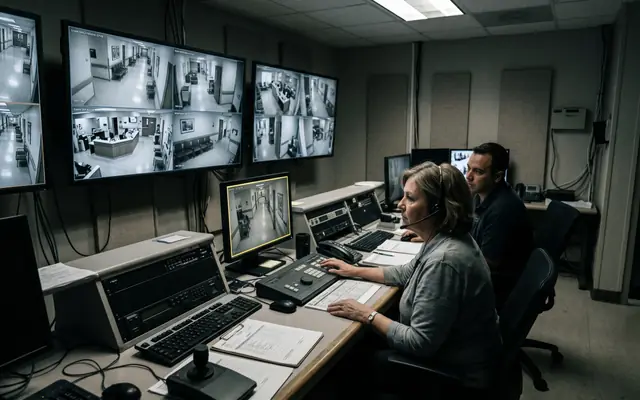
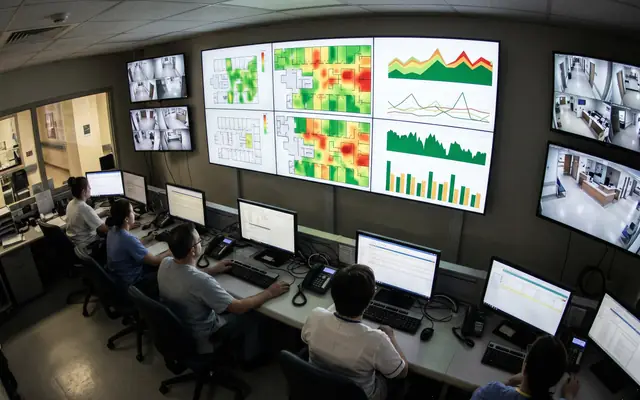
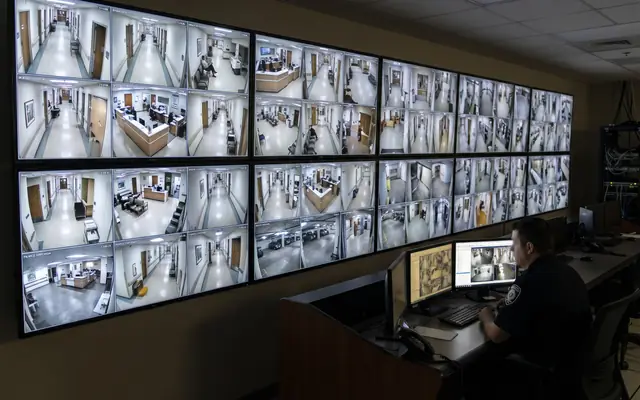
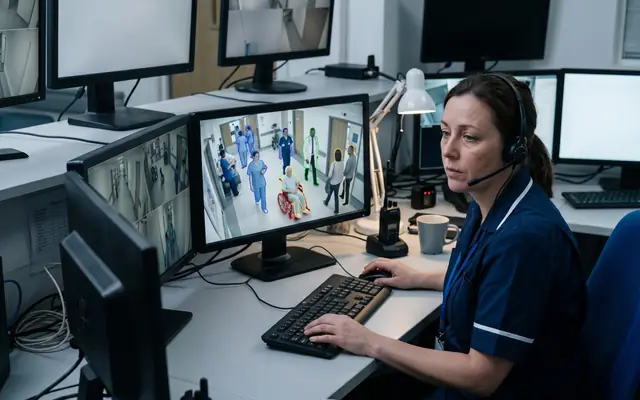
CoverageA control room with one operator facing a large wall of many CCTV feeds

Too many feeds, too few eyes

NightA large industrial site at night with only a few pools of light and large dark areas

Night & blind spots

Lone patientA single worker isolated in a remote corner of a large industrial site at dusk

Patient alone in isolation

E · Compliance, hygiene & reporting

HygieneOutdoor workers under harsh midday desert sun with visible heat haze

Missed hand-hygiene

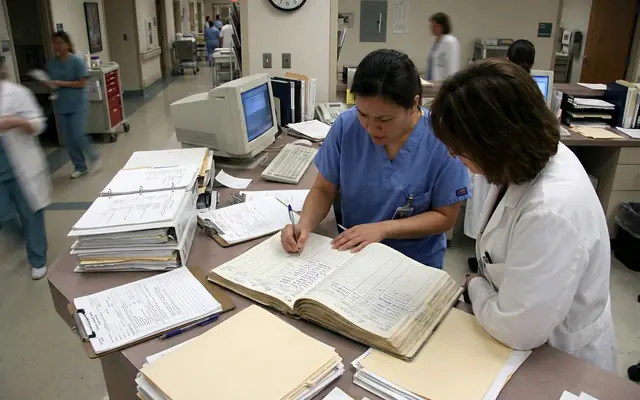
ReportingA cluttered site safety office desk covered with paper incident forms and clipboards

Manual, after-the-fact incident logs

TriageA crowded site entrance at shift start with many workers entering at once

Mask & visitor checks at entrance

Solutions

Every gap above has an answer below: how the AI sees across a hospital, what it detects on every ward, how alerts become clinical and security action, the analytics your team gets, and a deployment that fits your existing cameras and Saudi healthcare data rules.
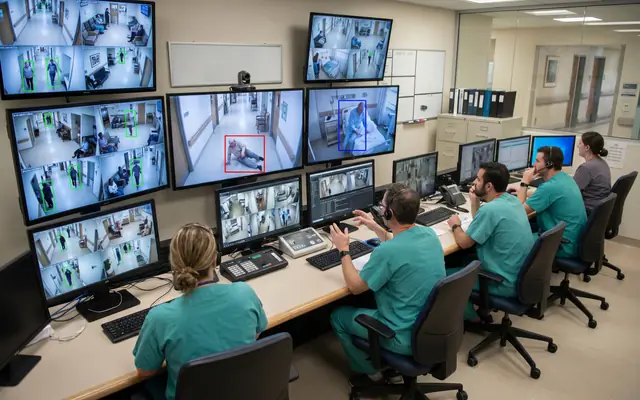
A · How the AI sees

DetectionWorkers on a site each outlined by a translucent segmentation mask following their silhouette

Instance segmentation, not boxes

PoseA worker with a glowing skeletal pose-estimation overlay analysing their posture

Pose & action recognition

PPEA worker with the helmet and vest highlighted by separate segmentation masks for PPE detection

Per-worker PPE check

B · What it detects

A worker with helmet and vest highlighted by AI segmentation masks, unsafe-act detection

Patient & Staff Safety

Flame and smoke highlighted by an AI segmentation mask, unsafe-condition detection

Access & Security

Outdoor workers under harsh midday sun with a heat-stress overlay, poor-practice and compliance monitoring

Hygiene & Compliance

C · From alert to action

Real-timeA site supervisor receiving a safety alert on a smartphone

Tiered, real-time alerts

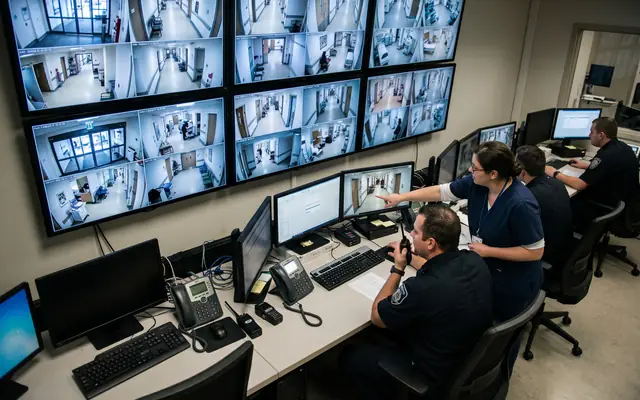
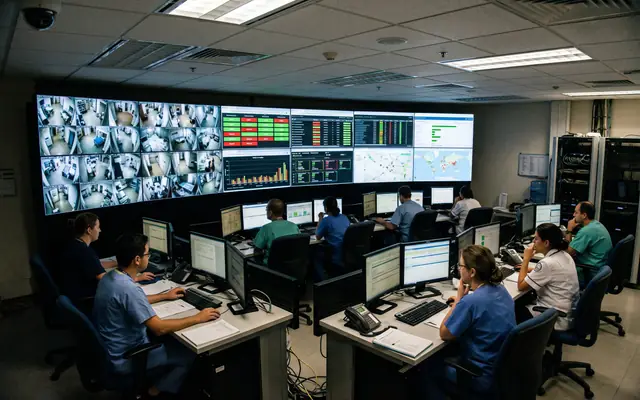
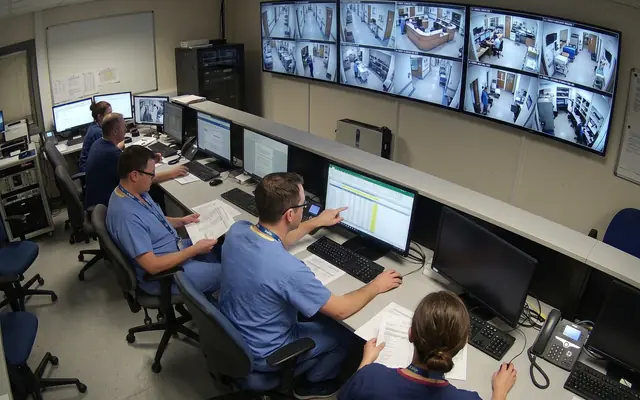
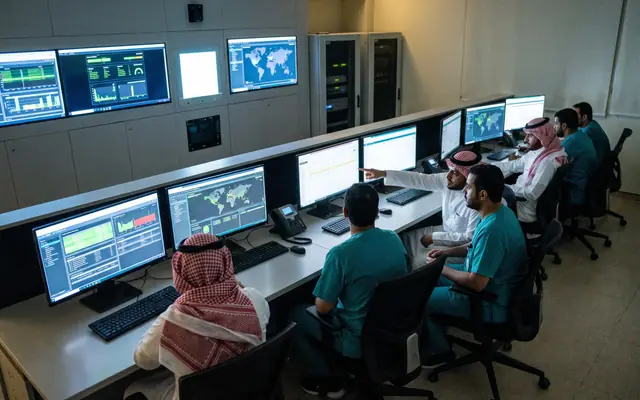
VerifiedOperators in a modern safety control room verifying alerts on a video wall

Operator-verified

InterveneA public-address speaker on a pole at a site for live talk-down warnings

On-site intervention

D · See it & prove it

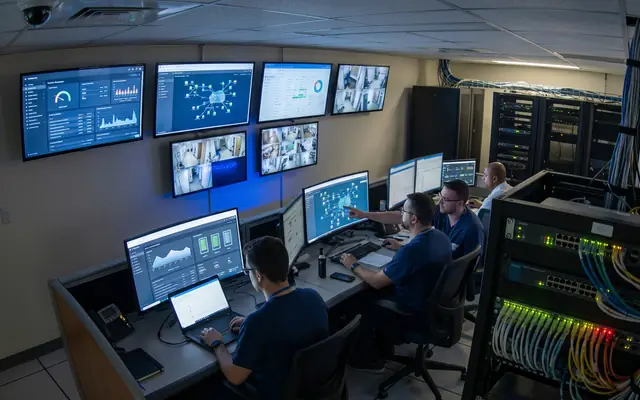
DashboardA wall monitor showing a live safety operations dashboard with charts and camera tiles

Live operations dashboard

AnalyticsA screen showing a site map with colour-coded risk heat zones

Trends & heat maps

ReportingA tablet showing KPI gauges and charts for a safety compliance report

ISO 45001 reporting

E · Fits your site

IntegrationAn existing CCTV camera on a building with a small edge-AI box beside it

Works on existing CCTV

EdgeA compact edge GPU server appliance with status lights in an on-site cabinet

Edge, hybrid or cloud

ResidencyA secure on-premises server rack keeping data inside the Kingdom

KSA data residency

AI Technology

Our solution is built on data-driven video analytics, computer vision that watches live feeds across the hospital and understands what it sees. The same AI runs across any input you bring: your existing CCTV inside wards and corridors, drones over parking decks and the perimeter, smart badges and infant-tag wearables, all connected into one platform and one app, and processed on-site inside the Kingdom. We keep the engine proprietary; what follows is how it works for a care facility like yours.
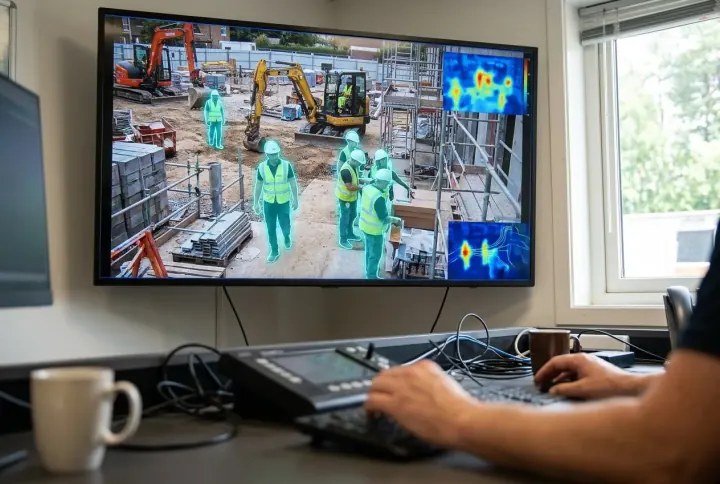
Any input, one platform

AI video analytics highlighting workers on a live control-room feed

AI Video Analytics

The brain behind every source, computer vision analyses each frame in real time and flags restricted access, falls, PPE and hand-hygiene gaps the moment they appear.
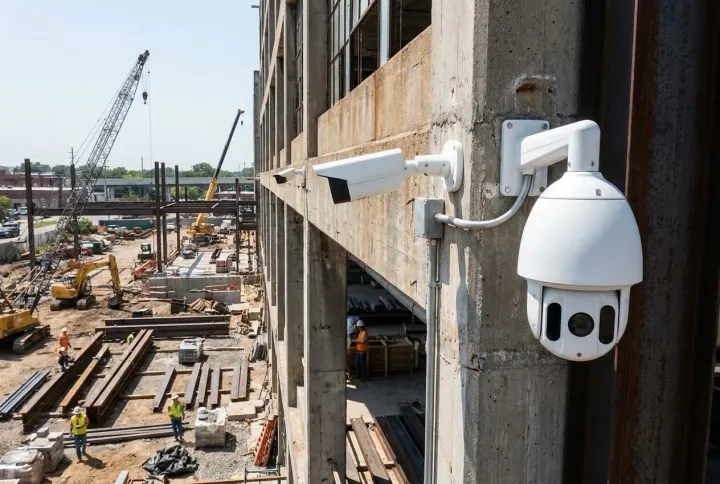
Existing fixed and PTZ CCTV cameras on an industrial building

Your Existing CCTV

Runs on the cameras you already have in wards, corridors and entrances, fixed, PTZ and thermal, with no rip-and-replace in most sites.
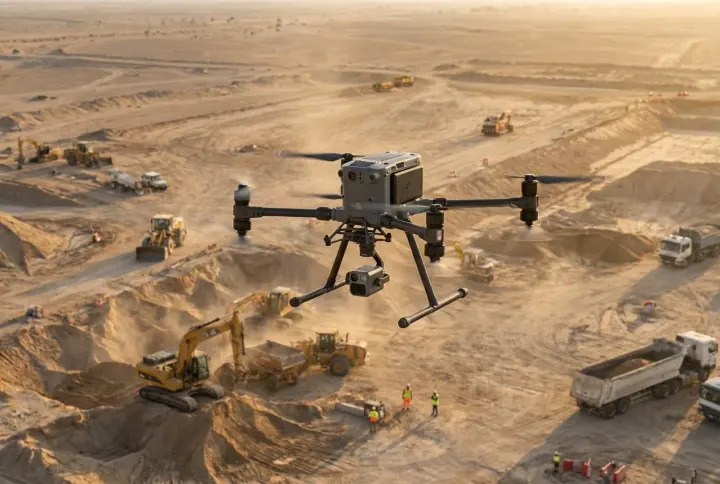
A survey drone flying over a construction site

Drones & Aerial

Drones carry the same AI across parking decks, ambulance bays and the campus perimeter, from above.
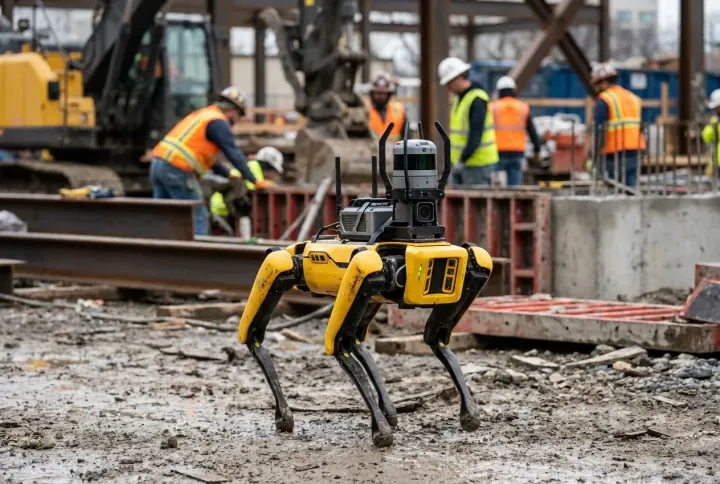
An autonomous quadruped robot dog patrolling an industrial site

Autonomous Patrol Robot

A four-legged robot patrols night corridors and the perimeter on its own, taking the AI where fixed cameras cannot reach.
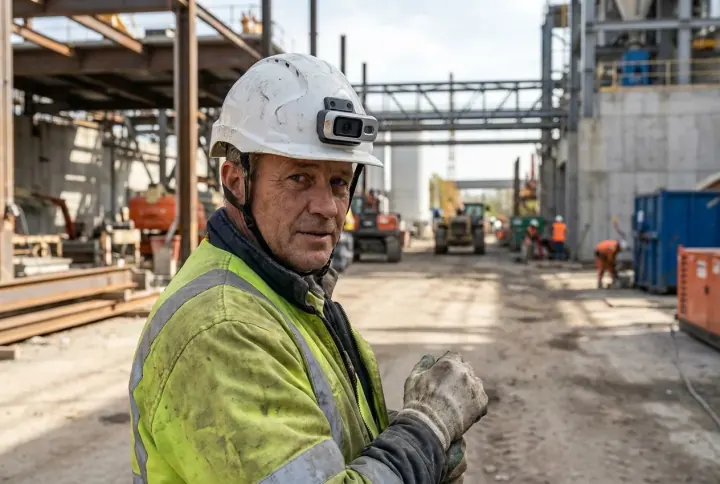
A worker wearing a smart safety helmet with an on-board camera

Smart Badge & Infant Tag

Wearable badges and infant tags add presence, fall and wandering telemetry to the same system, extending vision beyond the lens.
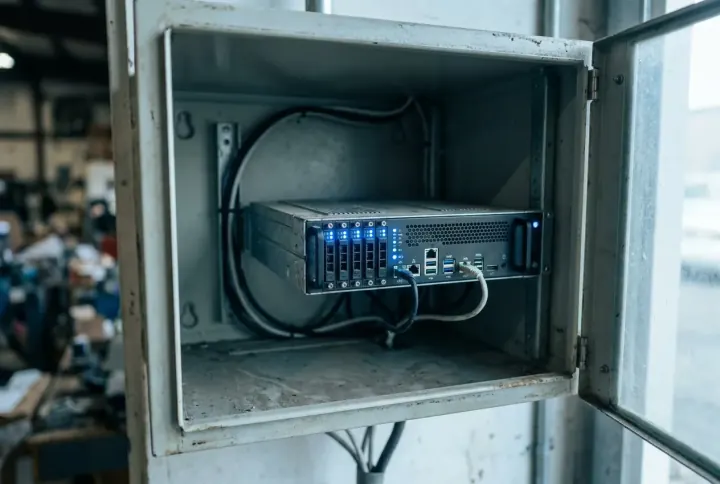
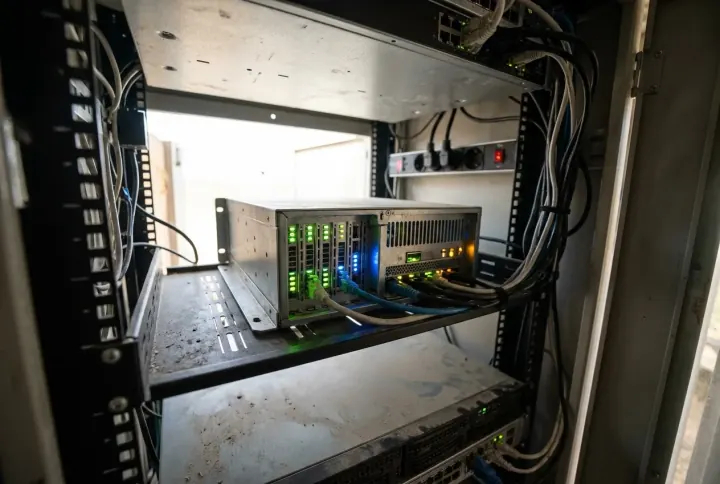
An on-site edge AI server appliance with status lights

On-Site Edge AI

All analysis runs on a secure unit at the facility, so patient footage and data stay inside the Kingdom, in line with PDPL and the health-data rules.
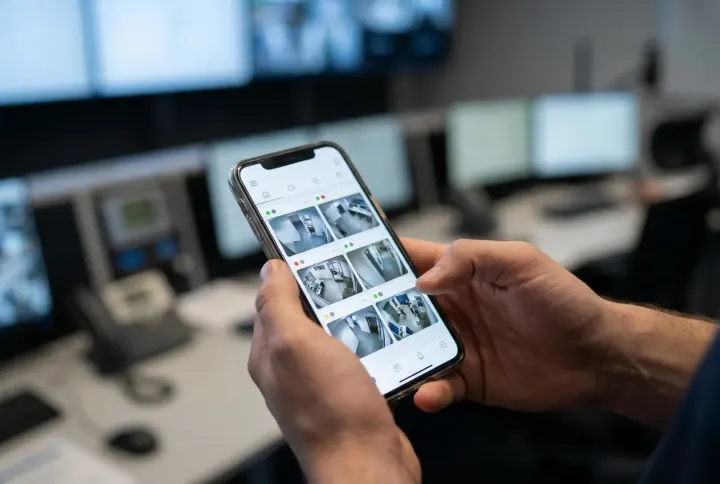
A unified safety app on a phone showing every connected camera and device

One Unified App, everything connected

Every camera, drone, robot, badge and infant tag feeds a single platform and one app, one place for the clinical and security teams to watch the whole facility, verify alerts and act. Add a new ward or device and it simply appears in the same view.

Integration with Your Systems

We adapt to your hospital, you don't rebuild for us. The AI runs on the cameras and nurse-call / security systems you already have: a small on-site unit pulls the video, your cameras and VMS keep running untouched, and in most facilities nothing is replaced.
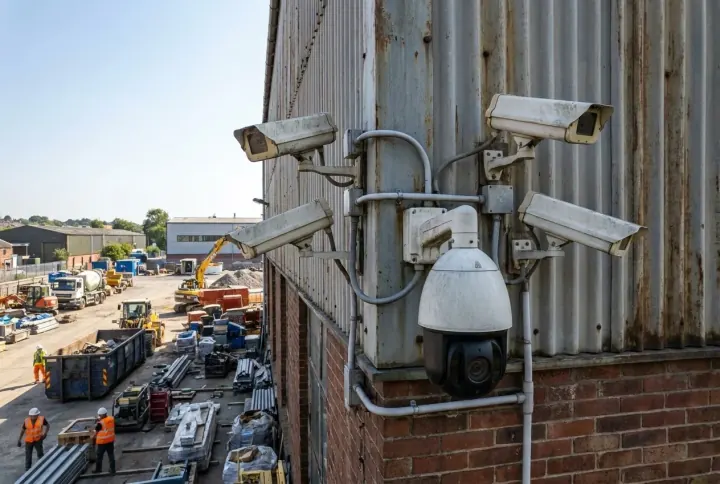
Works with what you have

A mix of existing fixed and PTZ CCTV cameras on an industrial building

No rip-and-replace

In 70–80% of sites your existing cameras are reused as they are. We connect over standard RTSP / ONVIF, compatible with virtually any IP camera.
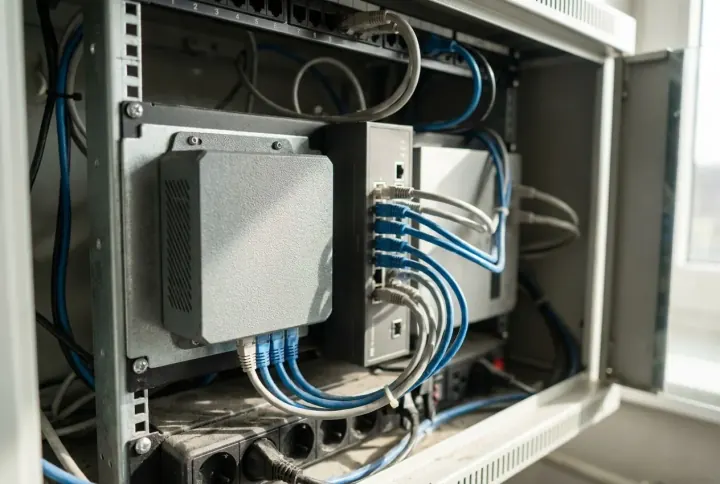
A small edge-AI appliance plugged in beside an existing network switch

Plugs in alongside

A small on-site sidecar unit pulls the camera streams. Your cameras and current VMS keep running exactly as they do today, no disruption.
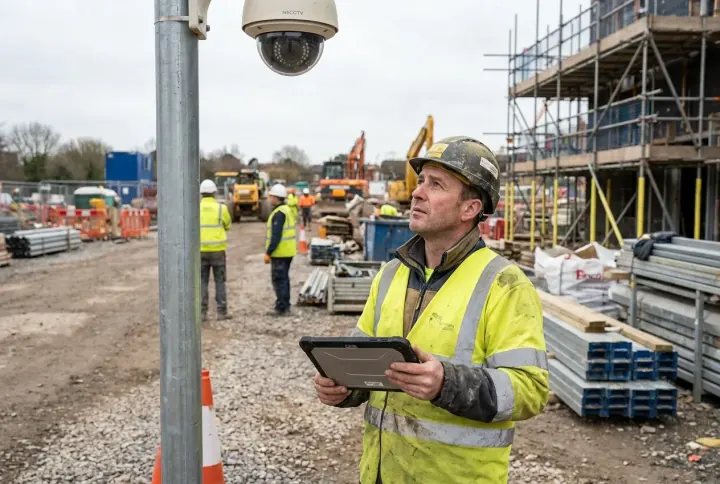
A technician surveying a CCTV camera with a tablet before deployment

Survey before spend

A pre-deployment camera survey (included) checks each camera's resolution, angle and lighting, so you know exactly what qualifies before buying anything.

Connects to your monitoring systems

Milestone XProtect Genetec Security Center Hikvision / HikCentral Dahua DSS Axis Camera Station

We integrate with the leading VMS platforms used in the Kingdom, pushing events and alerts straight into the system your control room already uses. Not on the list? The edge unit also runs fully standalone over direct RTSP, no VMS required.

Camera requirements

Parameter Minimum Recommended
Resolution2 MP (1080p)4 MP or higher
Frame rate10 fps15–25 fps
Low lightIR / night capableTrue WDR
Detail on targethead ≥ 20 px≥ 40 px for PPE
CompressionH.264H.265 (½ the bandwidth)

Network & footprint

  • Light on bandwidth, a few Mbps per 1080p camera; H.265 halves it.

  • Only alerts leave the edge, short event clips and metadata, never full 24/7 video.

  • Processed on-site, a site VPN or private APN covers remote locations; data stays in the Kingdom.

  • No new software for your team, the dashboard is browser-based; nothing to install.

Use Cases

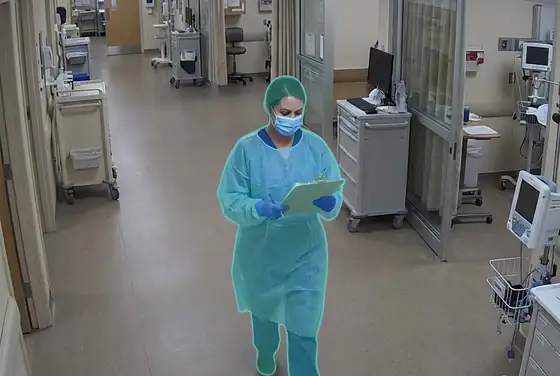
The same AI runs across hospitals, clinics and care facilities, flagging restricted-area access, patient falls, man-down events, wandering infants, PPE and hand-hygiene compliance, ED crowd density, violence, visitor abuse, parking ANPR, slip hazards, fire and smoke on your existing cameras and drones, with a pixel-precise segmentation mask.

Restricted-Area Access
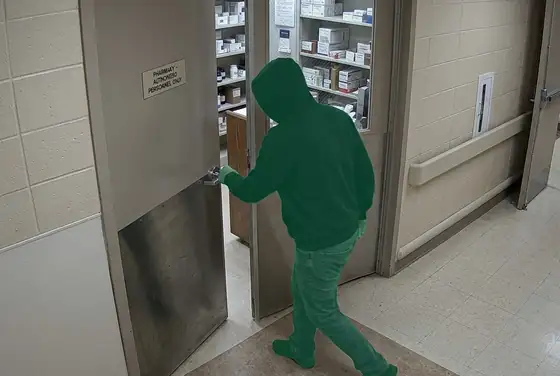
AI segmentation mask on unauthorised entry through a hospital pharmacy door
Pharmacy Door
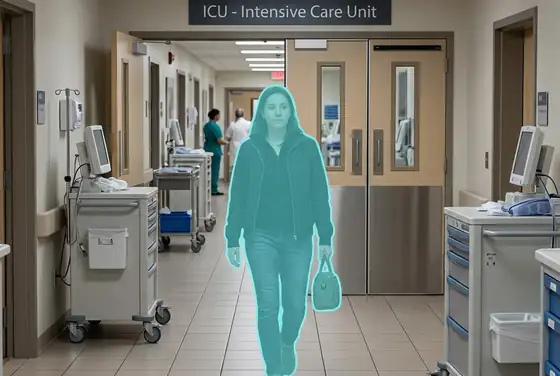
AI segmentation mask on a non-staff person approaching the ICU entrance
ICU Entrance
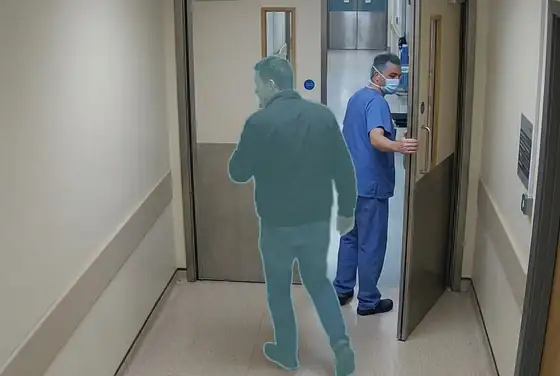
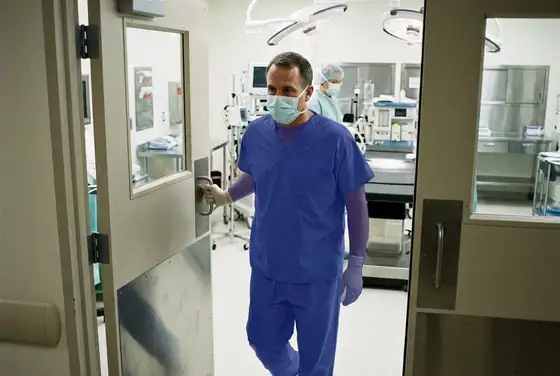
AI segmentation mask on tailgating through a staff-only operating-theatre door
OR Door Tailgating
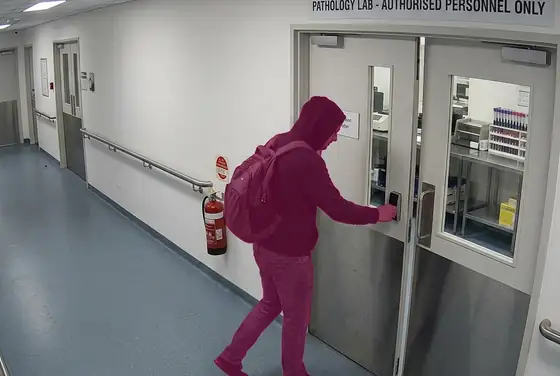
AI segmentation mask on an unauthorised person entering a pathology lab
Lab Access
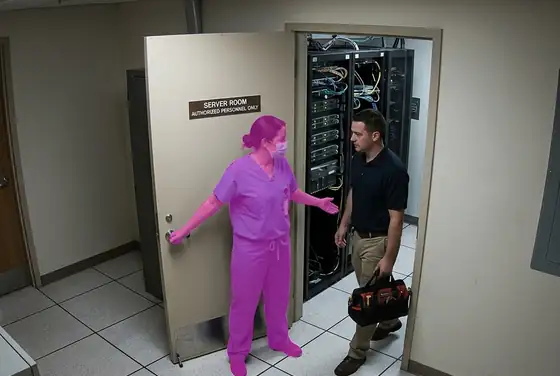
AI segmentation mask on a person holding a door open for another at a hospital server room
Server Room
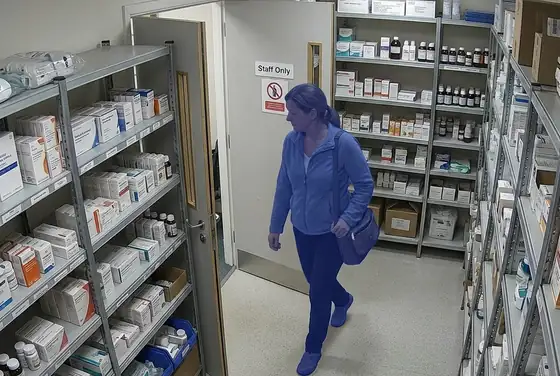
AI segmentation mask on a visitor crossing into a staff-only medication storage room
Med Storage

Patient Safety & Wandering

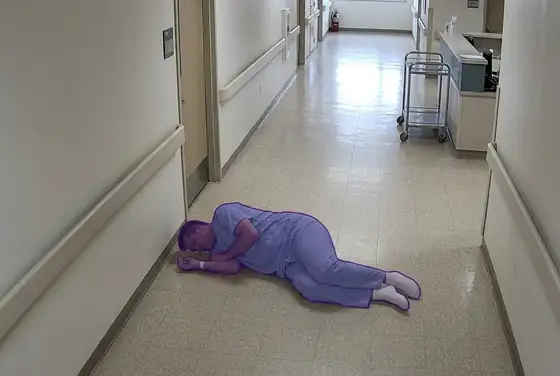
AI segmentation mask on a fallen patient lying on a hospital corridor floor
Patient Fall
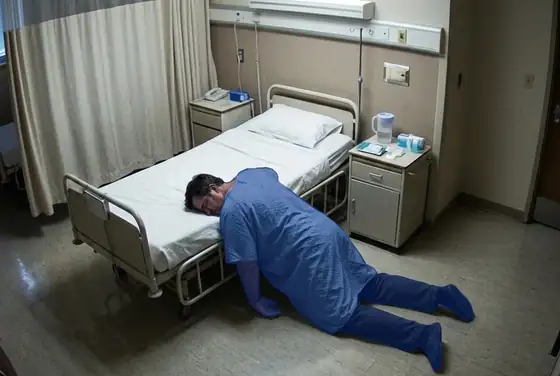
AI segmentation mask on a collapsed person motionless in a ward, man-down detection
Man-Down
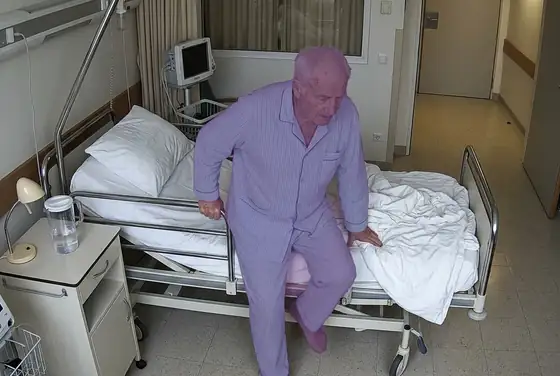
AI segmentation mask on a patient stepping out of bed unassisted
Unassisted Bed Exit
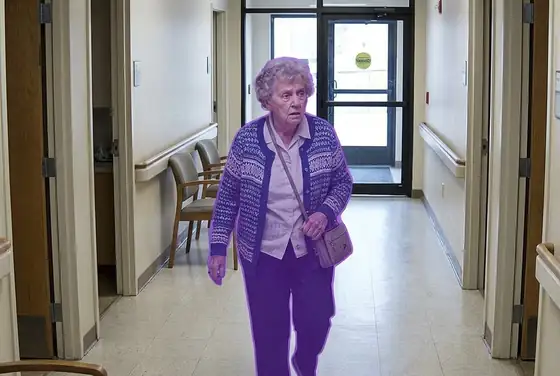
AI segmentation mask on a confused elderly patient walking towards an exit, wandering risk
Patient Wandering
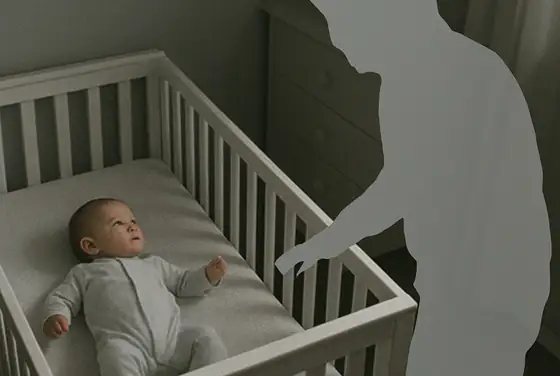
AI segmentation mask on an infant in a cot being approached by an unauthorised person
Infant Wandering
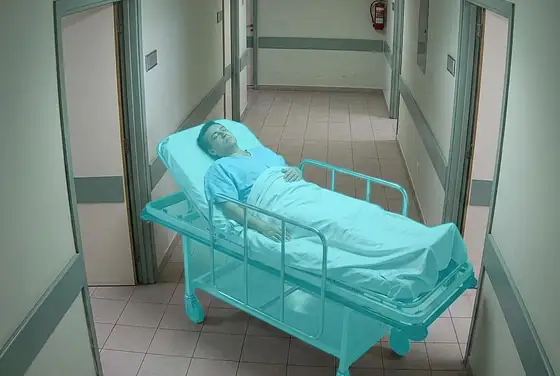
AI segmentation mask on a patient left alone on a stretcher, unattended patient detection
Unattended Patient

PPE & Hand Hygiene

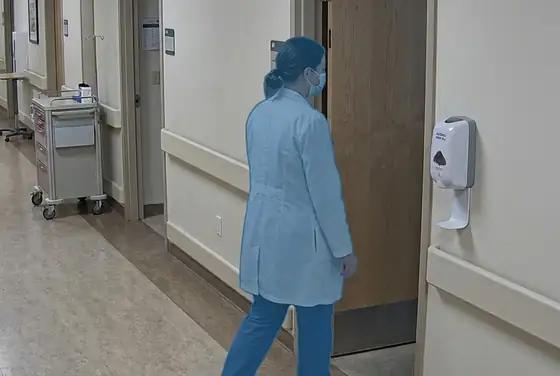
AI segmentation mask on a clinician entering a ward without a surgical mask
Surgical Mask
AI segmentation mask on a clinician without a gown approaching an isolation room
Surgical Gown
AI segmentation mask on a clinician without examination gloves at a patient bedside
Medical Gloves
AI segmentation mask on a clinician in a COVID ward without a face shield
Face Shield
AI segmentation mask on a clinician leaving a patient room without using the alcohol gel dispenser
Hand Hygiene
AI segmentation mask on a clinician entering an OR without a surgical cap
Scrub Cap

Violence, Aggression & Visitors
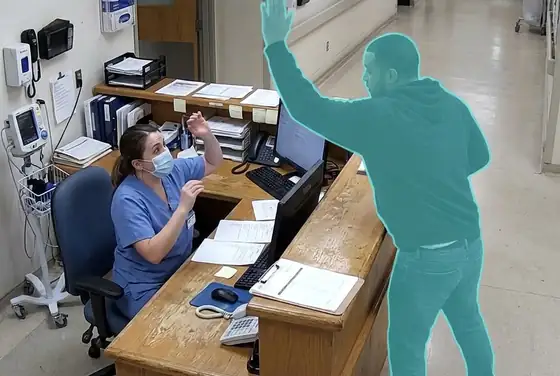
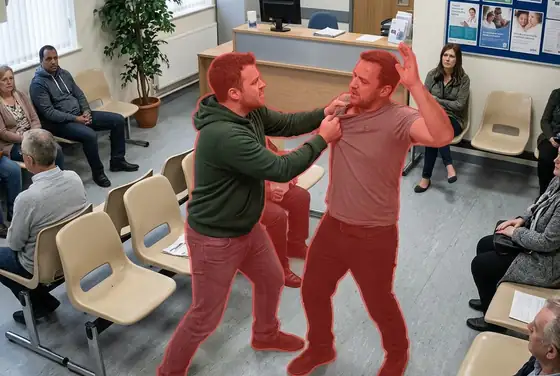
AI segmentation mask on two people in a physical fight in a hospital waiting room
Physical Fight
AI segmentation mask on a person raising a hand to strike a staff member at a triage desk
Aggression at Triage
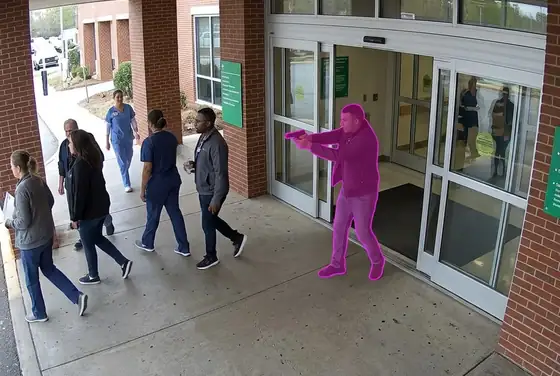
AI segmentation mask on a brandished weapon at a hospital entrance, weapon detection
Weapon Brandished
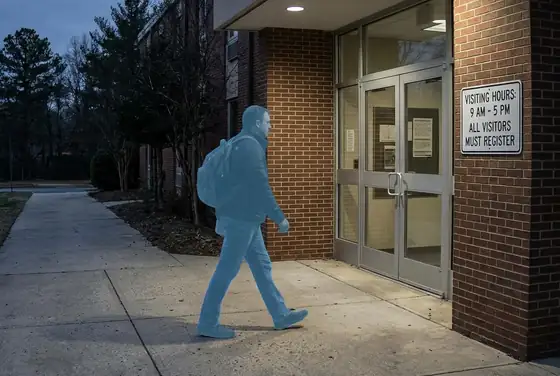
AI segmentation mask on a visitor entering outside posted visiting hours
Out-of-Hours Visitor
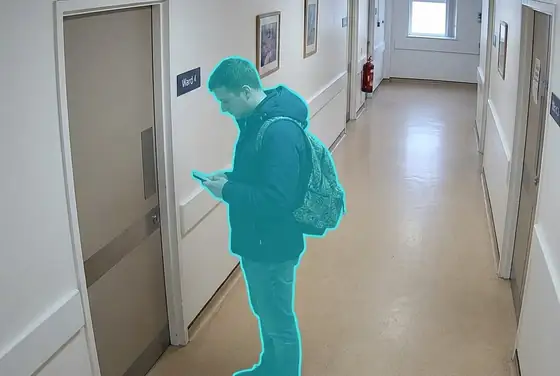
AI segmentation mask on a visitor loitering outside a ward door
Ward Loitering
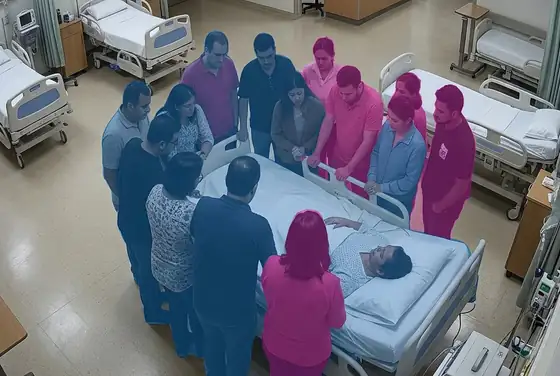
AI segmentation mask on too many visitors gathered around one patient bed
Visitor Overload

ED Crowd Density

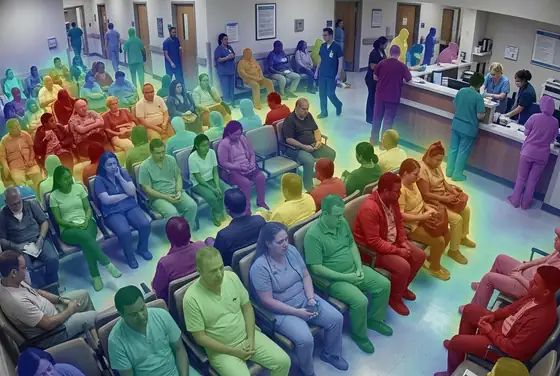
AI segmentation mask on a packed emergency department waiting room, density heat overlay
ED Triage Crowd
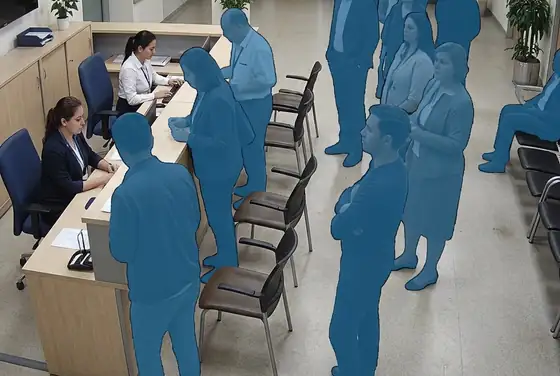
AI segmentation mask on people queuing in front of a registration desk
Registration Queue
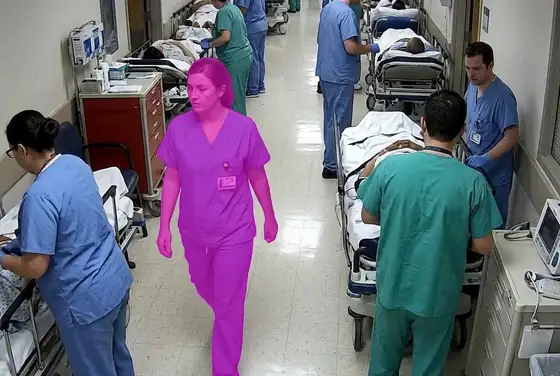
AI segmentation mask on a corridor crowded with stretchers and staff
Corridor Blocked
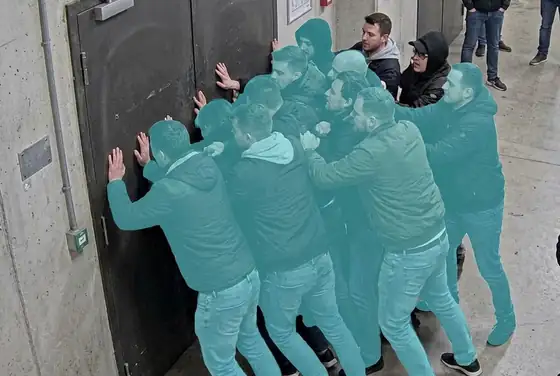
AI segmentation mask on people pushing at a closed door, surge pressure detection
Surge Pressure
AI segmentation mask on people standing in a drive-through lane at a hospital entrance
Drive-Through Queue
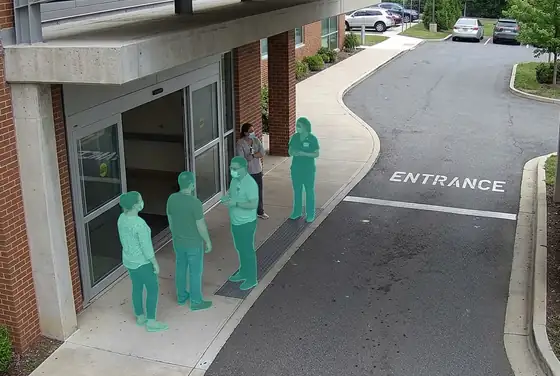
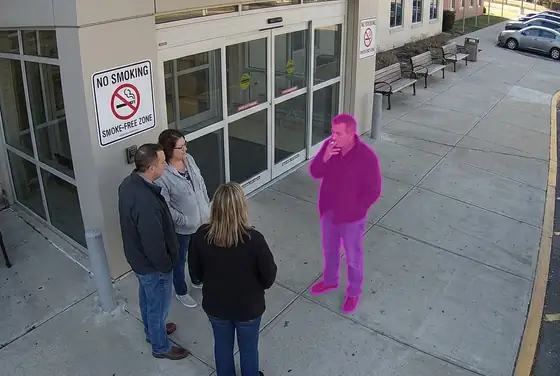
AI segmentation mask on visitors gathering outside the ED entrance, smoke-free zone breach
ED Entrance Crowd

Parking, Perimeter & Hazards
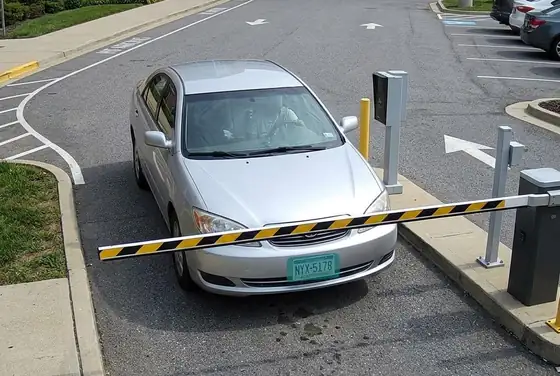
AI segmentation mask on a licence plate read at a hospital parking barrier, ANPR
Parking ANPR
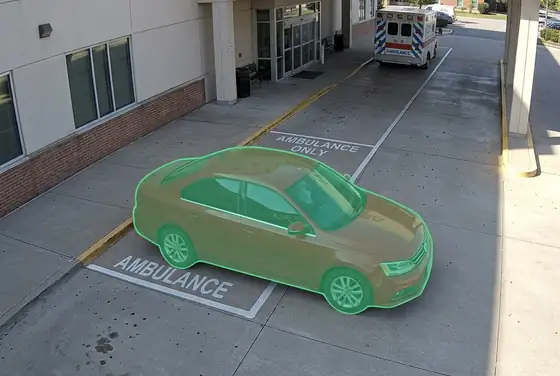
AI segmentation mask on a car parked in an ambulance bay, unauthorised parking
Ambulance Bay Block
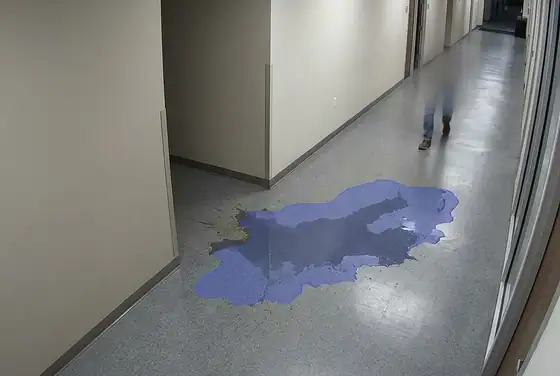
AI segmentation mask on a wet floor after a spill, slip-hazard detection in a corridor
Wet-Floor Slip
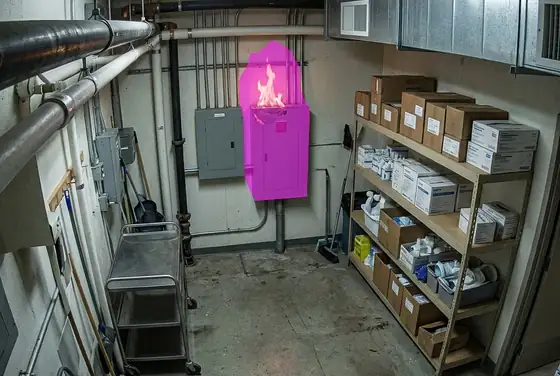
AI segmentation mask on a small early flame in a hospital utility room, fire detection
Fire
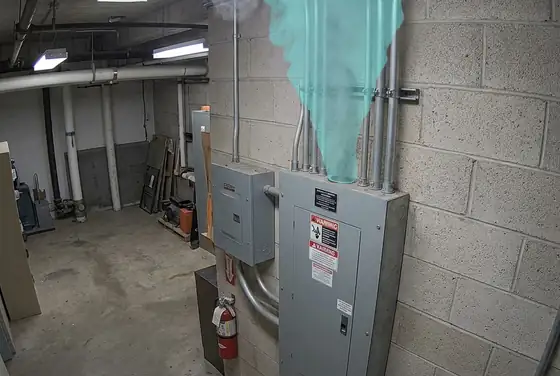
AI segmentation mask on early smoke at ceiling level near an electrical panel
Smoke
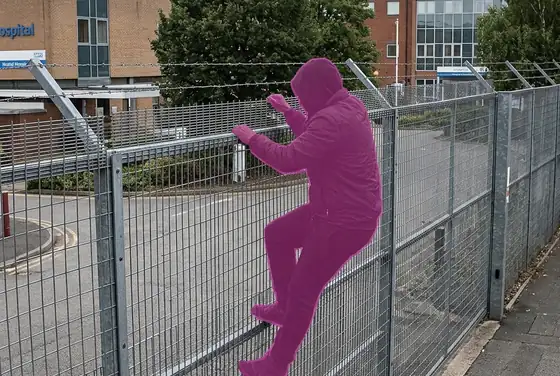
AI segmentation mask on a person climbing a hospital perimeter fence
Perimeter Breach
Not limited to these These are our standard library, we also train custom detection classes for the hazards, equipment and processes specific to your site.

How We Do It

01Existing CCTV cameras on a pole overlooking an active construction site

Ingest

We pull live video from your existing CCTV over RTSP and ONVIF, no new cameras in most wards

02A compact edge GPU appliance processing video on site

Edge AI

Inference runs on a small on-site GPU appliance, so patient video and data stay inside the Kingdom

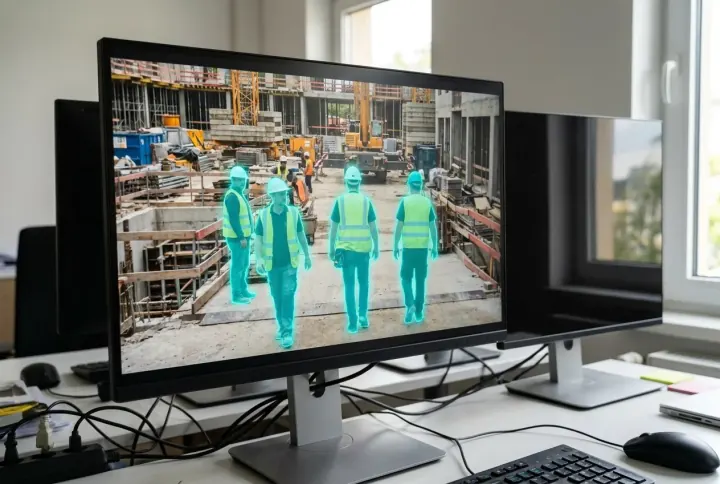
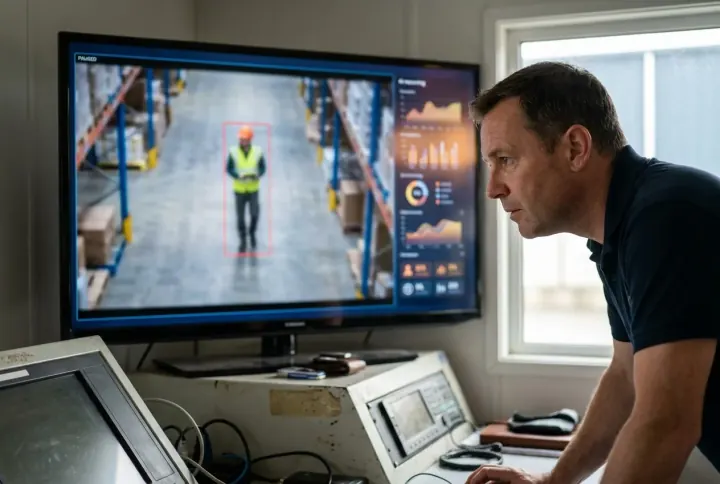
03A monitor showing workers segmented by AI masks on a live site feed

Detect

A three-stage cascade segments patients, staff, PPE, hand-hygiene events and hazards on every frame, across a broad library of care classes

04A control-room screen showing an AI reasoning check on a flagged event

Validate

A vision-language model reasons over context to confirm or suppress each alert, killing false alarms

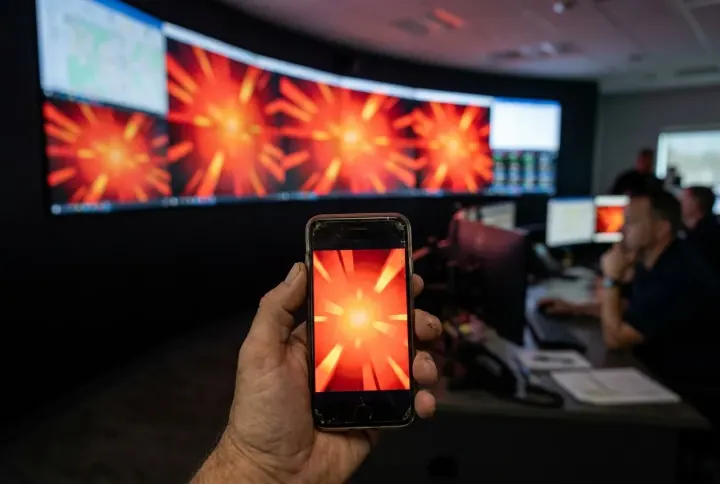
05A supervisor phone and a control-room wall lighting up with the same alert

Alert

Tiered alerts reach the security desk, charge nurses, supervisors' phones and WhatsApp within seconds

06An operator confirming an alert with a video clip on screen

Confirm

For non-critical events an operator confirms with a clip and scene description before the response team moves

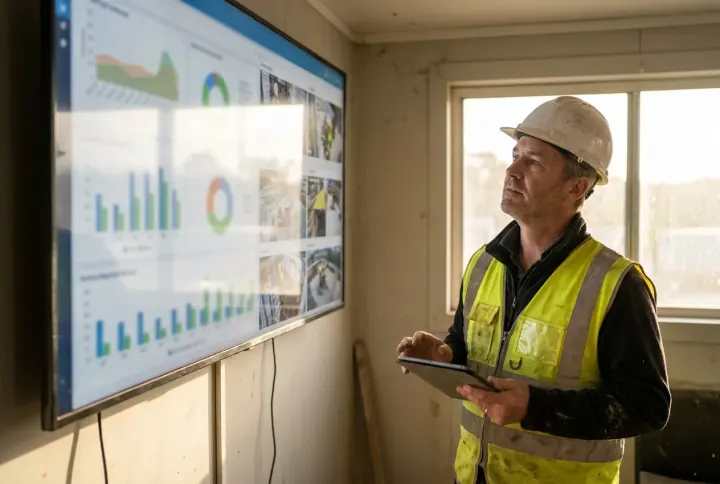
07An HSE manager viewing a wall dashboard of site safety KPIs

Dashboard

Every camera, ward, entrance and live alert appears on one dashboard, on a security-room screen or a phone

08An automatically generated safety report with charts and an audit trail

Report & audit

Shift and daily reports, KPIs and an immutable audit trail are generated automatically for CBAHI, JCI and PDPL

The Monitoring Platform

One console for the clinical and security team. Overview, events, cameras, wards, zones, reports and live AI inspection, all in a single app. Every alert traces back to the camera that raised it, the ward or zone it sits in, the moment it happened, and the confidence the AI gave it. Live today at viewkeepersa.com/VisualDefectDemo/hse.
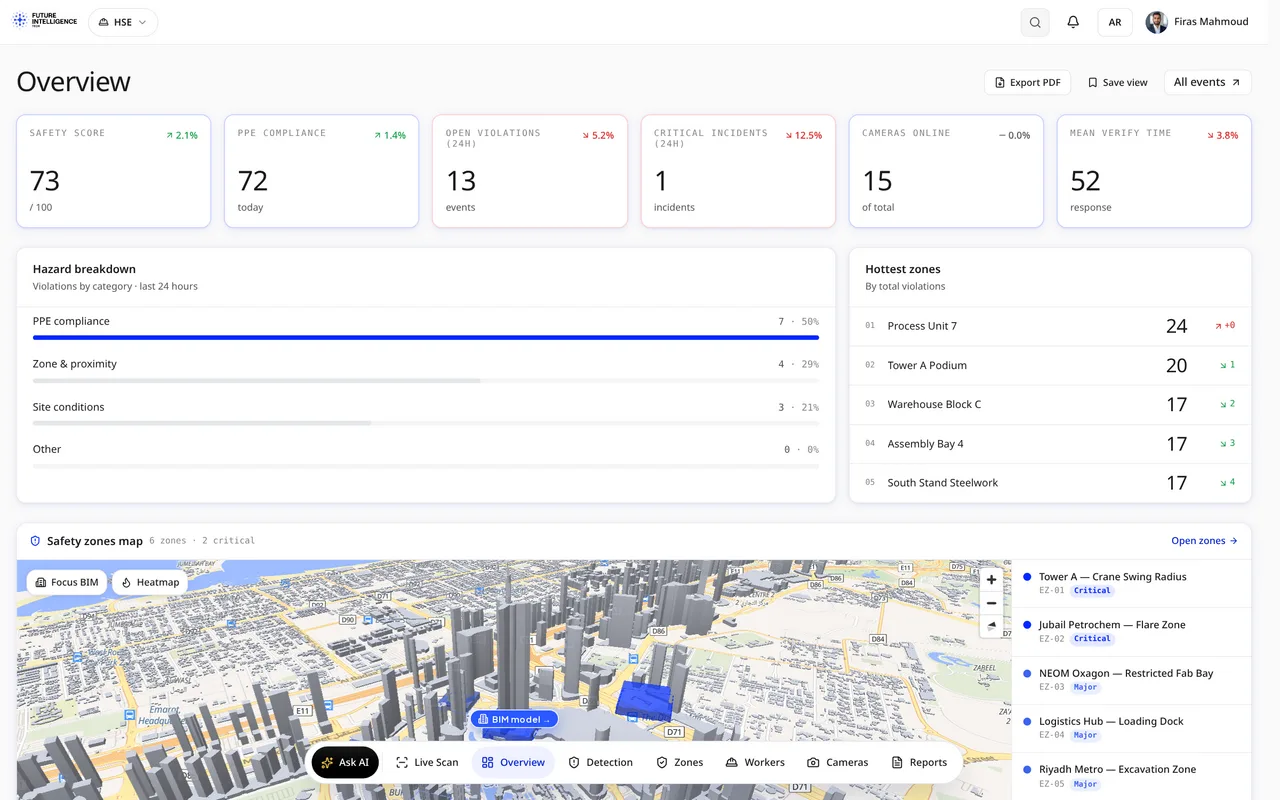
HSE app overview: safety score, hazard breakdown, hottest zones and 3D zone map HSE Monitoring · Overview
  • Live AI detection: PPE, fall, fire, zone intrusion, smoking, unsafe acts
  • your PTZ, fixed and thermal cameras on one live wall
  • Per-camera health and link status
  • Operator verify, dispatch, and false-alarm workflow
  • Owner-ready daily, monthly, and incident-evidence reports
  • Runs in the on-site control room, no foreign cloud

Platform Walkthrough — Page by Page

07 · A

Seven pages, live in our HSE app today. The images below come straight from the running build. These are the same screens your safety team will open on day one.

The whole site, one screen viewkeepersa.com/VisualDefectDemo/hse
01 · Overview

The whole site, one screen

The safety landing page. A live safety score, PPE compliance, open violations and critical incidents run across the top, next to cameras online and mean response time. Below sits a 24-hour hazard breakdown, the hottest zones ranked, and a 3D safety-zones map of the site.
Safety ScoreHazard BreakdownHottest Zones3D Zones Map
Every violation, triaged viewkeepersa.com/VisualDefectDemo/hse/events
02 · Events

Every violation, triaged

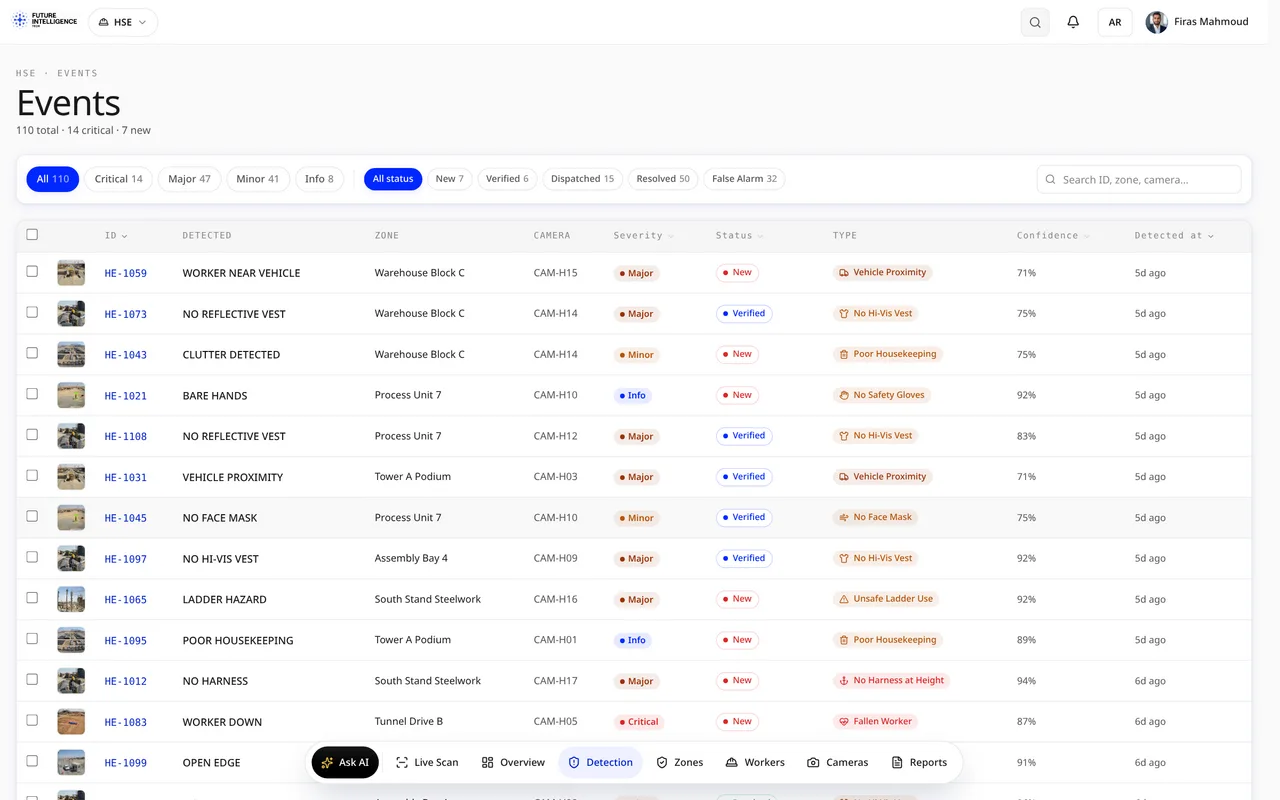
The working queue of HSE events. Each one tagged by type, with the camera and zone that caught it, a severity, a confidence score and a status. An officer verifies, assigns or closes, and the response clock keeps the team honest.
24 Event TypesSeverity RoutingEvidence SnapshotResponse Clock
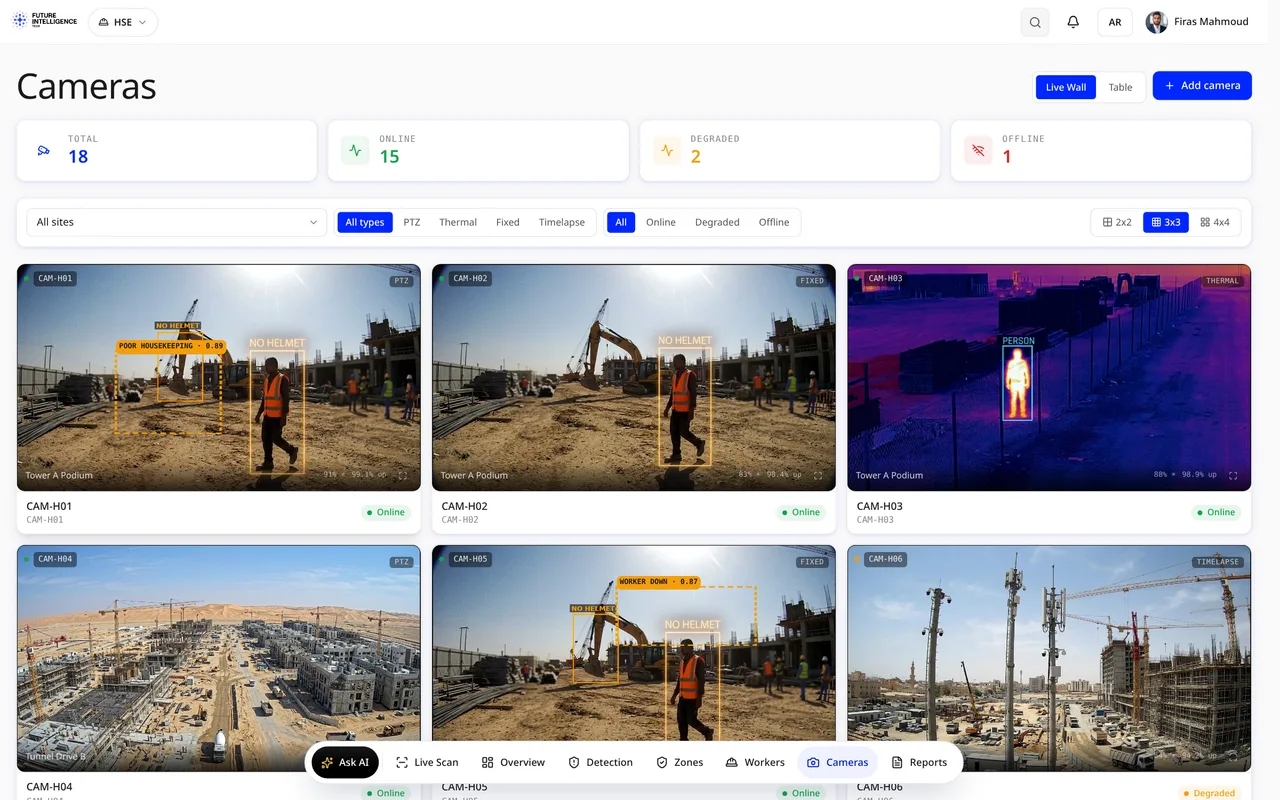
The fleet, at a glance viewkeepersa.com/VisualDefectDemo/hse/cameras
03 · Cameras

The fleet, at a glance

Every connected camera by site and zone, with live thumbnails, online status and the detections it raised. A technician sees what needs attention before the morning round.
Live ThumbnailsPer-ZoneOnline StatusLast Event
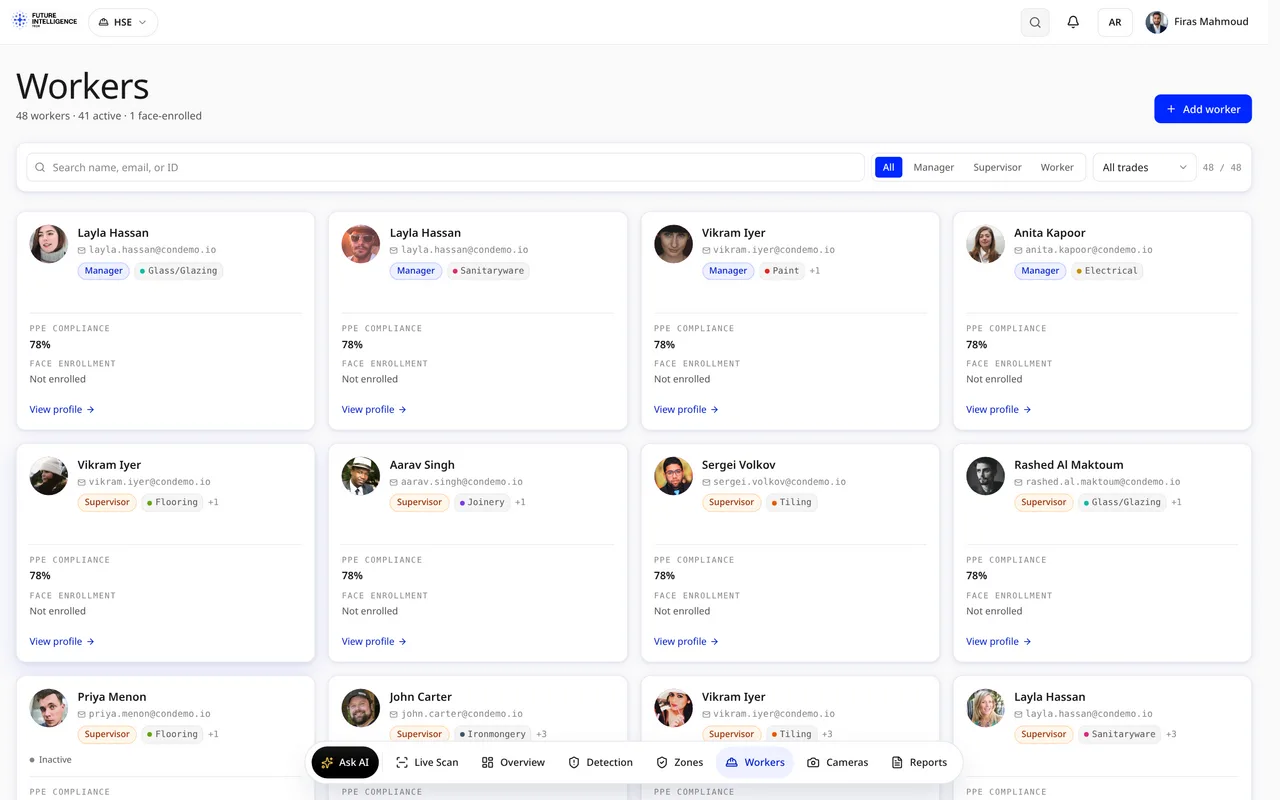
KSA workforce rules, watched viewkeepersa.com/VisualDefectDemo/hse/workers
04 · Workers

KSA workforce rules, watched

Workforce safety built for the Kingdom: heat-stress risk levels, the summer midday-work ban window, PPE compliance per crew, and lone-worker flags, so the rules MHRSD audits are kept automatically.
Heat StressMidday BanCrew PPELone Worker
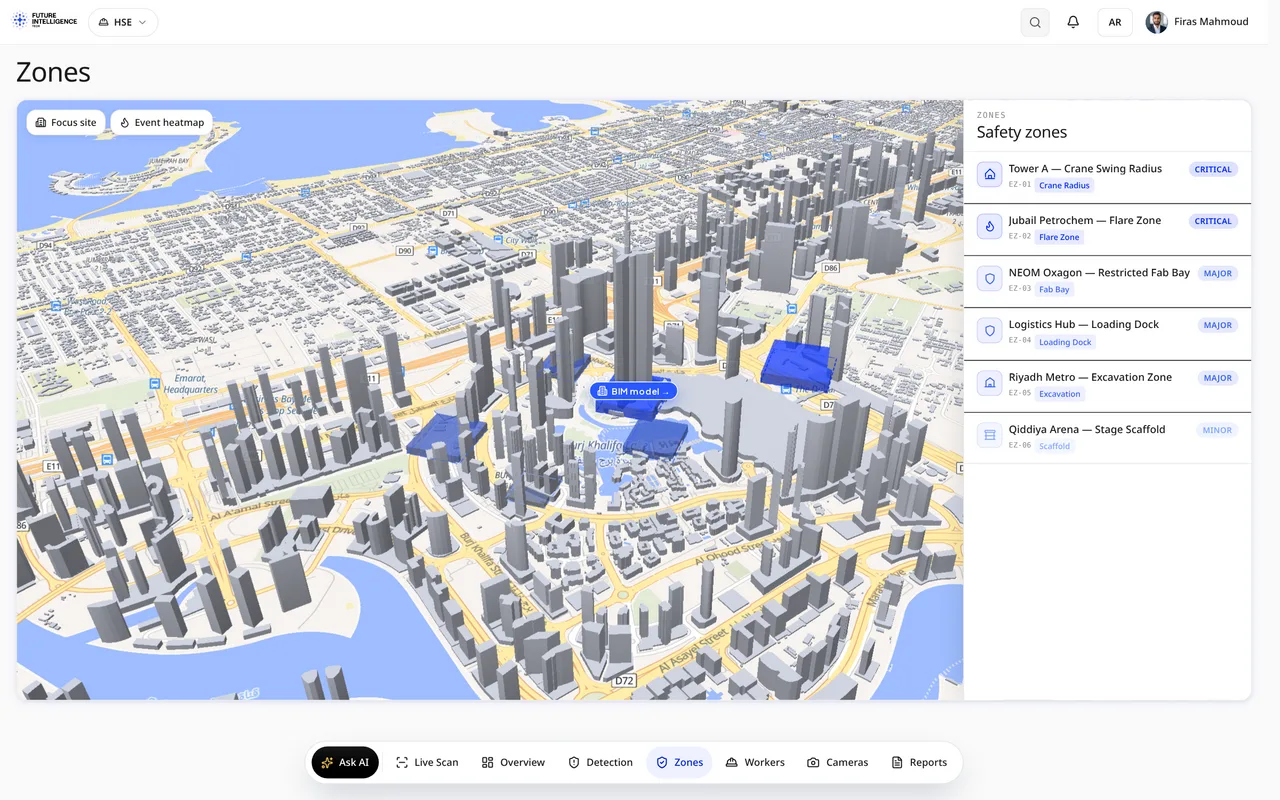
Danger zones, drawn and enforced viewkeepersa.com/VisualDefectDemo/hse/zones
05 · Zones

Danger zones, drawn and enforced

Safety zones drawn on the site plan and the 3D model: crane radii, excavations, restricted areas. Each zone carries its own rules, and any intrusion shows up in Events with the zone attached.
Zone Rules3D ModelCrane RadiiIntrusion Link
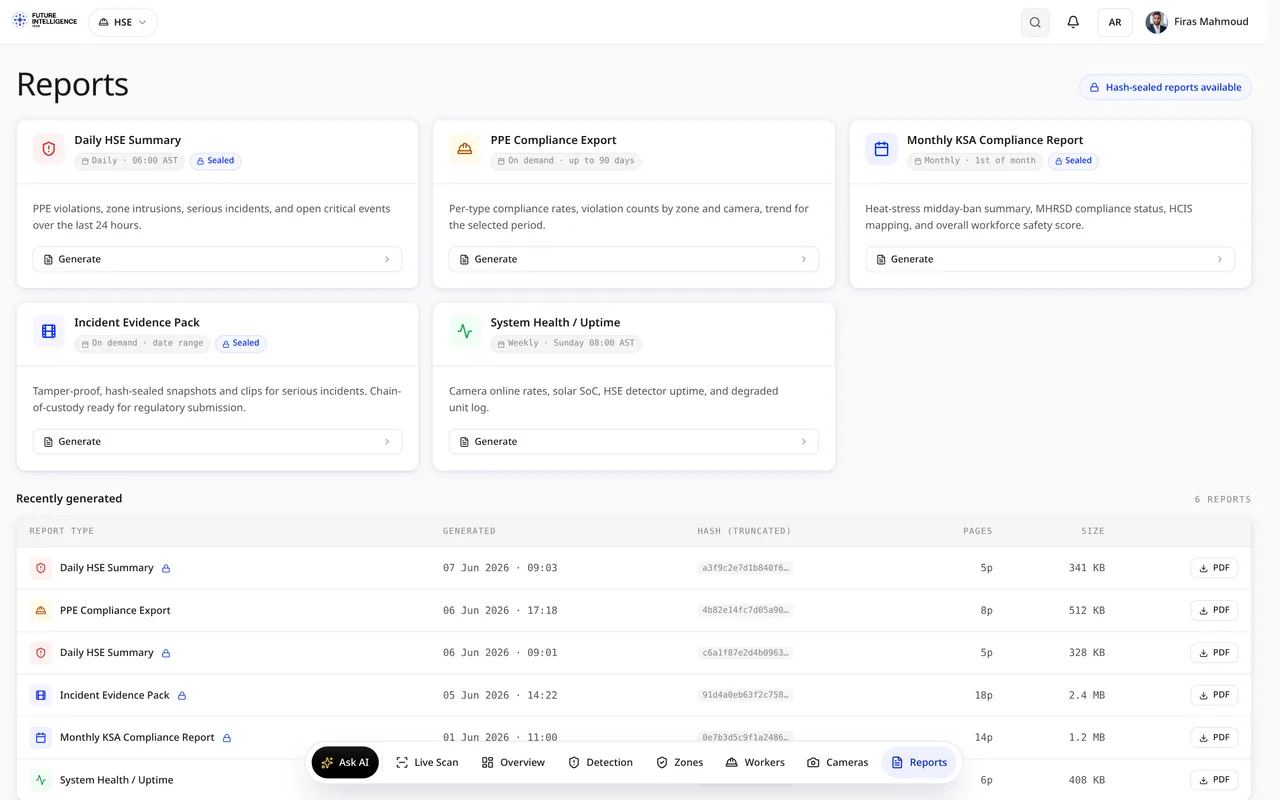
Ready for the audit viewkeepersa.com/VisualDefectDemo/hse/reports
06 · Reports

Ready for the audit

Shift and daily summaries, PPE compliance exports and incident evidence packs, generated automatically and exportable for ISO 45001 reviews. One click, and the record is in your inbox.
Shift SummaryPPE ExportEvidence PackISO 45001
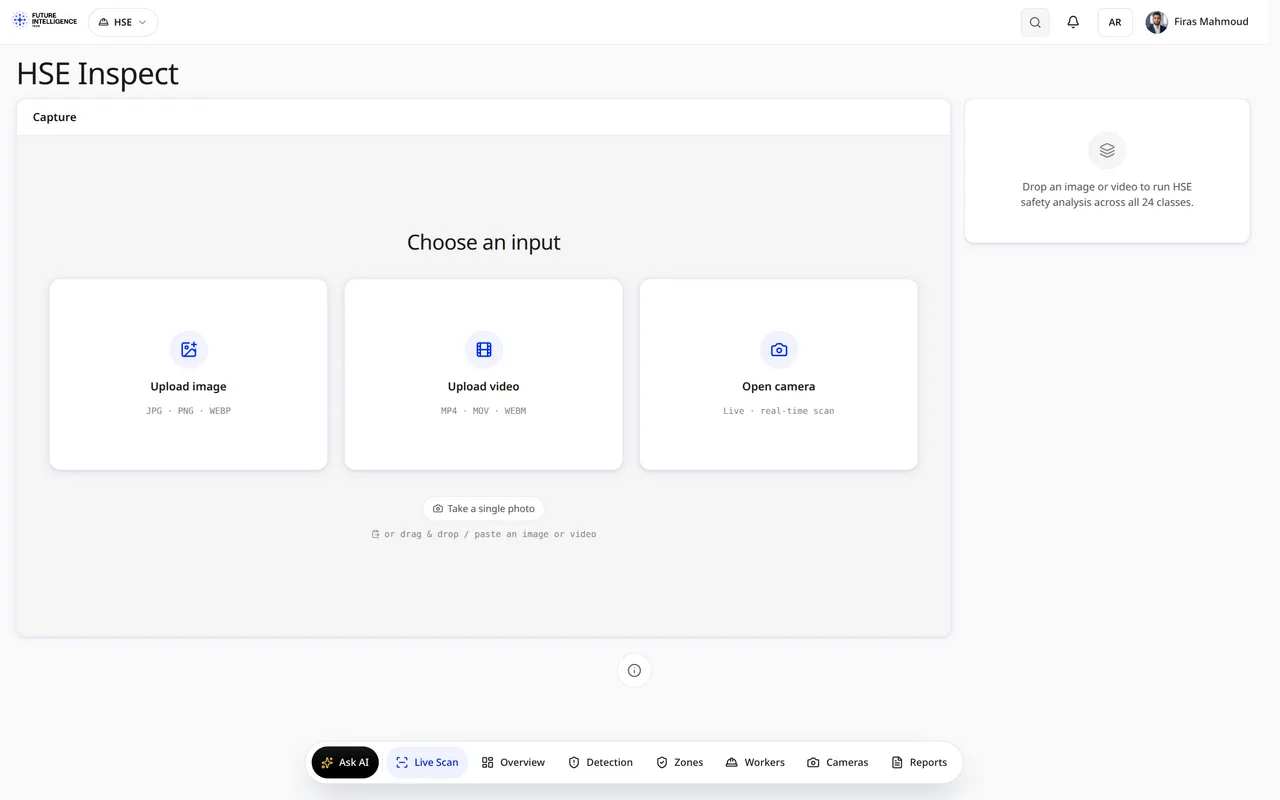
Point the AI at anything viewkeepersa.com/VisualDefectDemo/hse/inspect
07 · Inspect

Point the AI at anything

A live AI scan page: drop in footage or pick a camera, and the engine outlines people, PPE and hazards on the spot. The fastest way to see the detection quality on your own scenes.

Live ScanAny FootageInstant MasksYour Scenes